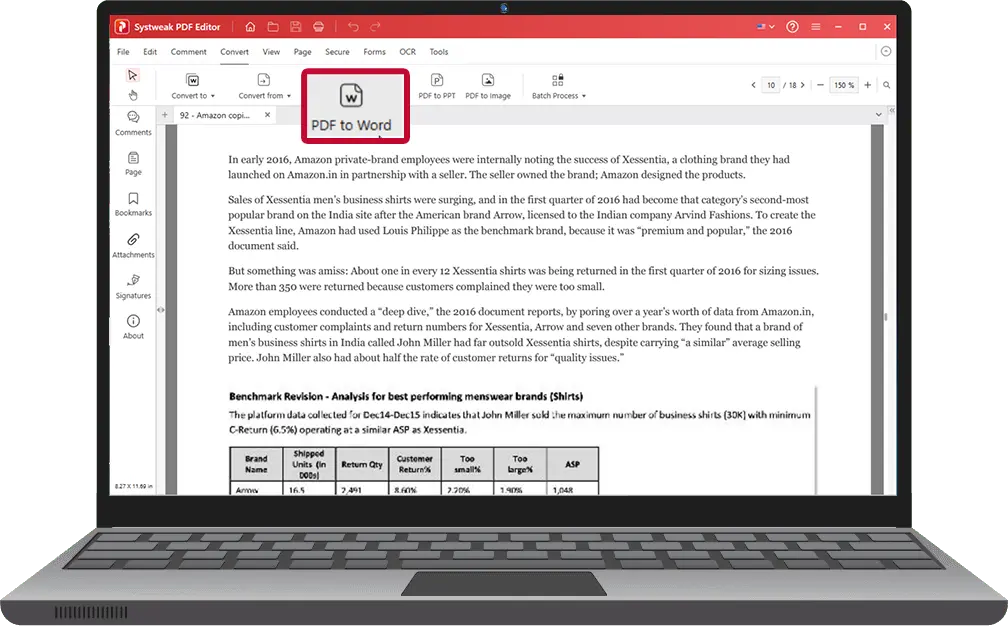
Convert PDF to Word Offline
No File Upload Required
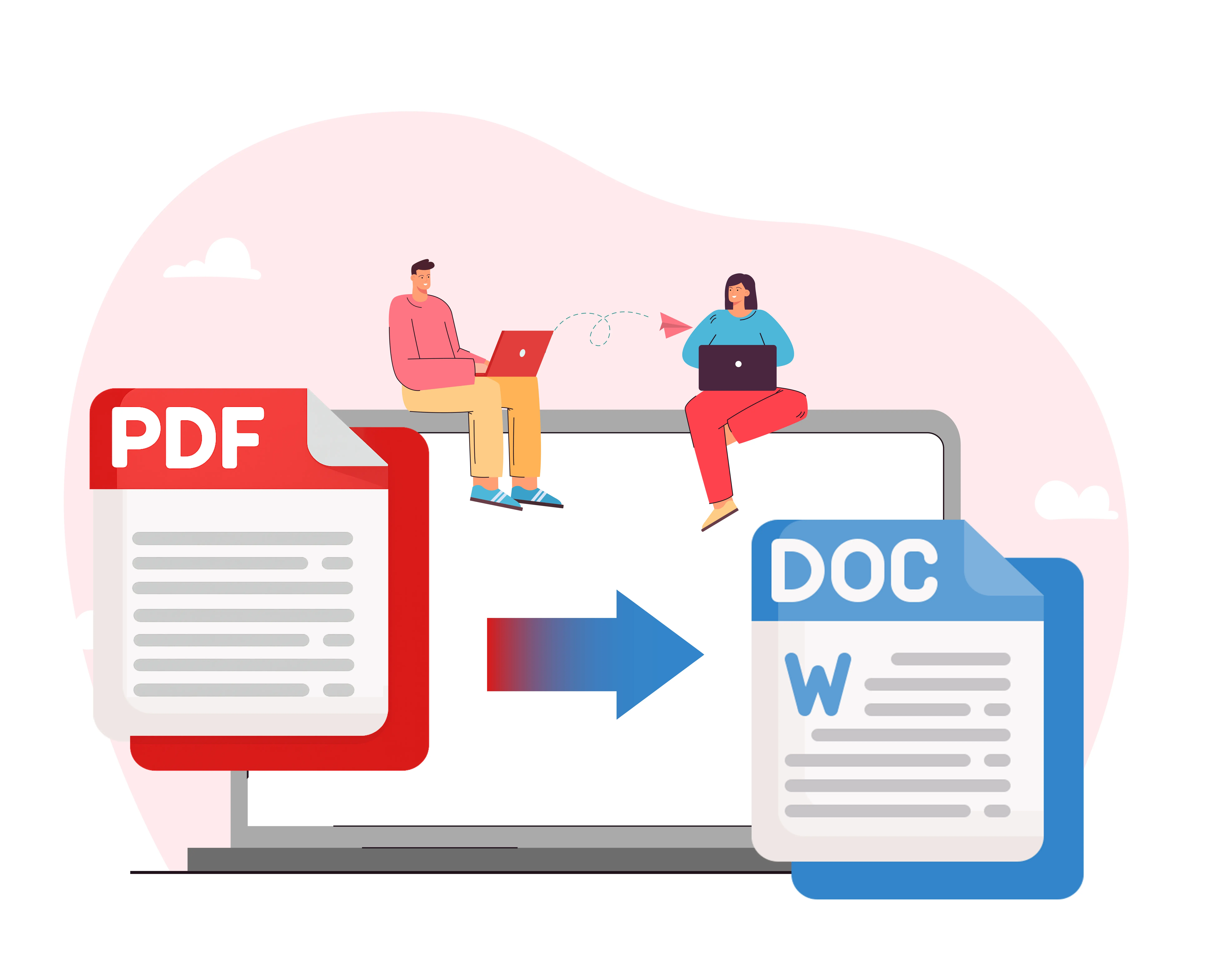
Systweak PDF Editor converts PDFs into editable Word documents directly on your computer. No internet. No cloud.
Your files never leave your system.
- Works completely offline
- No file upload or data sharing
- Ideal for confidential & legal documents
- Windows desktop software
Why Convert PDF to Word Offline?
Most online PDF converters require you to upload documents to external servers. This can be risky when dealing with sensitive information such as legal files, financial records, contracts, or internal business documents.
Systweak PDF Editor lets you convert PDF files to Word format without uploading anything to the internet,ensuring complete privacy and control.
Online PDF to Word vs Offline PDF to Word
Your documents stay on your computer — not on someone else’s server.
| Feature | Online PDF Converters | Systweak PDF Editor ( Offline ) |
|---|---|---|
| File upload required | Yes | No |
| Internet needed | Yes | No |
| Data privacy | Risky | 100% Private |
| Large PDFs | Limited | Supported |
| Legal & financial files | Not recommended | Safe |
| Speed | Server-dependent | Fast & local |
How to Convert PDF to Word Offline
Convert documents locally on your computer — no uploads, no internet, no risk.
Download and install Systweak PDF Editor on your Windows PC.
Open the PDF file locally on your computer.
Choose Convert to Word (DOC/DOCX).
Save the converted file — no internet required.
That’s it. No uploads. No waiting.
Who Should Use Offline PDF to Word Conversion?
Systweak PDF Editor is ideal for professionals and individuals who need to convert PDFs securely without using the internet.
Legal Professionals
Convert contracts, affidavits, and case files securely without uploading sensitive legal documents online.
Finance & Accounting Teams
Handle invoices, audit reports, bank statements, and financial records without any cloud or data exposure.
HR & Administration Departments
Safely convert employee records, resumes, and internal HR documents while maintaining full data control.
Government & Compliance Users
Work fully offline to meet strict data protection, compliance, and confidentiality policies.
Anyone Handling Confidential PDFs
Ideal for users who cannot risk uploading personal, business, or sensitive documents to online tools.
Key Features of Systweak PDF Editor
Explore the powerful features of Systweak PDF Editor that make PDF to Word conversion simple, secure, and offline.
Convert PDF to Editable Word
Easily convert PDF files into fully editable Word documents (DOC/DOCX).
Preserve Layout & Formatting
Maintain original text layout, fonts, and formatting after conversion.
Works Completely Offline
No internet connection required. All conversions happen locally.
No File Size Limits
Convert small or large PDFs without restrictions or upload limits.
Supports Scanned PDFs (OCR)
Extract text from scanned or image-based PDFs using built-in OCR technology.
Windows Desktop Application
Designed specifically for Windows users with fast, native performance.
*OCR is available in supported versions of Systweak PDF Editor.
Frequently Asked Questions
Everything you need to know about Systweak PDF Editor and offline PDF to Word conversion.
Does this PDF to Word converter work without internet?
Yes. Systweak PDF Editor works fully offline once installed.
Are my files uploaded anywhere?
No. Files remain on your computer and are never uploaded.
Is this safe for confidential documents?
Yes. Offline conversion ensures maximum data privacy.
Is there a free trial?
Yes. You can download a free trial for Windows.