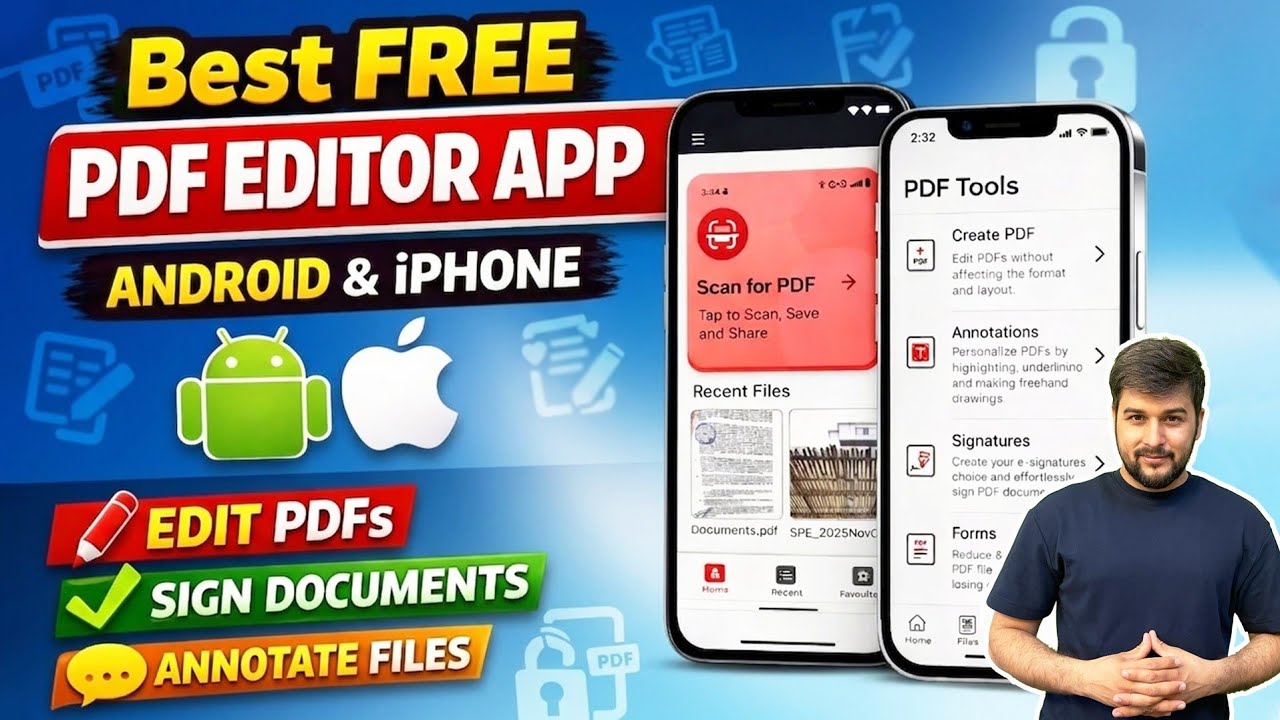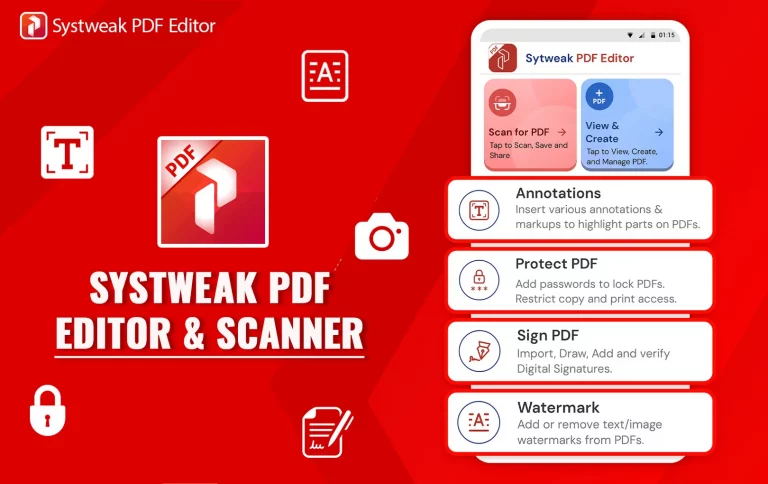

It shouldn’t be as painful as it is now to work with PDFs on your phone. Whether you make a living out of writing or just casually type all day long, a solid and responsive PDF editor will be a crucial tool for any Android user. Meet the “Systweak PDF Editor & Scanner” app from Systweak Software—a complete Android solution to read, edit, and work with PDF files on the go.
From editing PDFs on the fly to signing documents in a professional way or safeguarding sensitive information, this Android PDF editor application brings desktop PDF capability into your pocket. In this article, we’ll explore five major ways the application makes your PDF work easily on Android and why you should have this application tool on your phone.
Top Features of Systweak PDF Editor & Scanner App
1. Sign PDF Documents Anytime, Anywhere
Those are the times of printing out papers just to manually sign them and then scanning them back. It is all in the past now with the Systweak PDF Editor & Scanner application, since you are able to sign PDF files digitally, from your Android device—be it while traveling, having a meeting, or being remote-based.
Why It’s a Game Changer
Digital signatures not only conserve your time and paper but also enable you to have a seamless and professional process without depending on the printer or scanner. Whether it is a business contract, employment offer letter, consent form, or client invoice, you are able to sign and send it out instantly.
Step-by-Step Signing:
- Open the app and your PDF document that you want to e-sign.
- Touch “Sign PDF” from the editing toolbar and ‘Open’ the document.
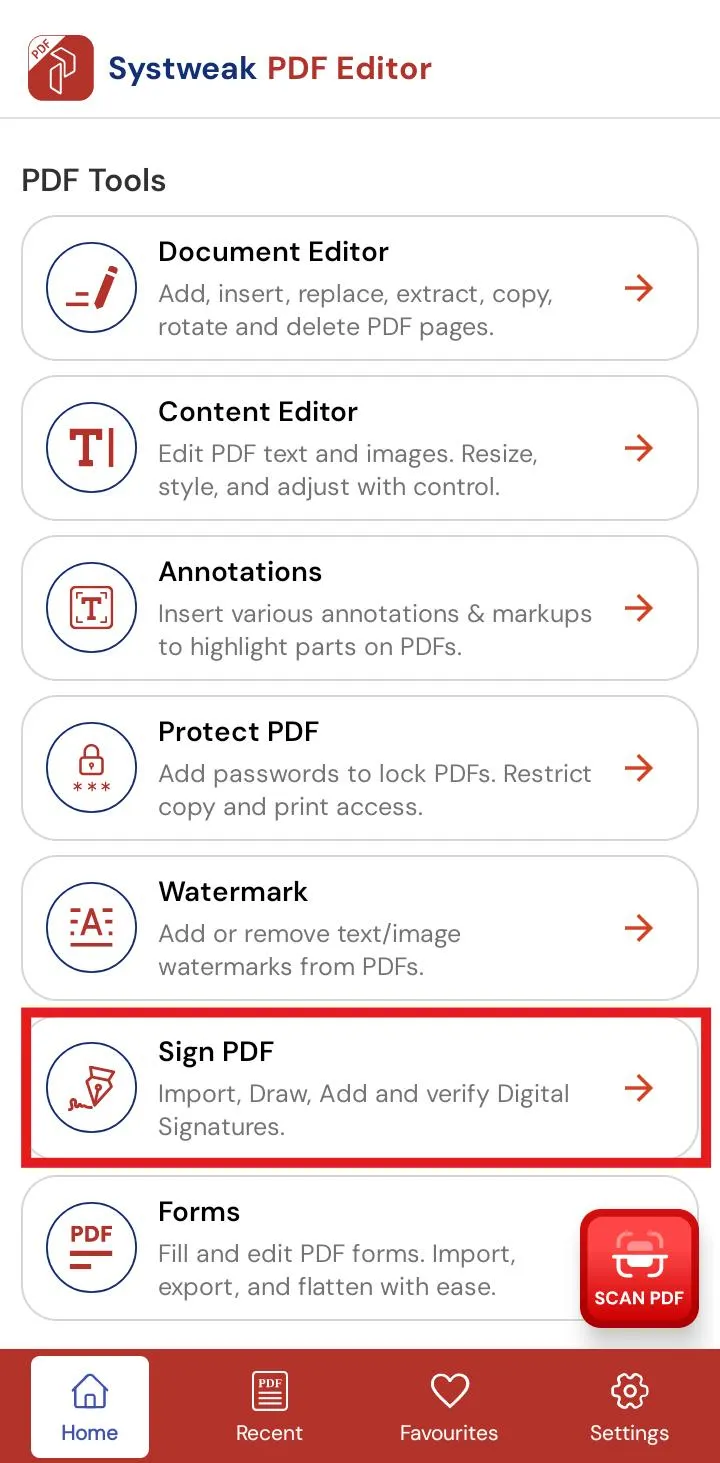

- Make a new signature using your stylus or finger, or choose one you have on hand.
- Drag and position your signature wherever you want.
- Drag it or resize it if necessary, then save.
The app locks your signature in place once you position it so that it’s an unhackable element of the document. It also enables you to lock or flatten the PDF to stop future modification.
2. Make Quick Edits to PDF Files on Mobile
From correcting a typo in a contract to adding comments on a study paper, this Android PDF editor app allows you to make changes anywhere, anytime, without needing a laptop or desktop.
Principal Editing Functions:
- Text Editing: Erases, edits, or creates text.
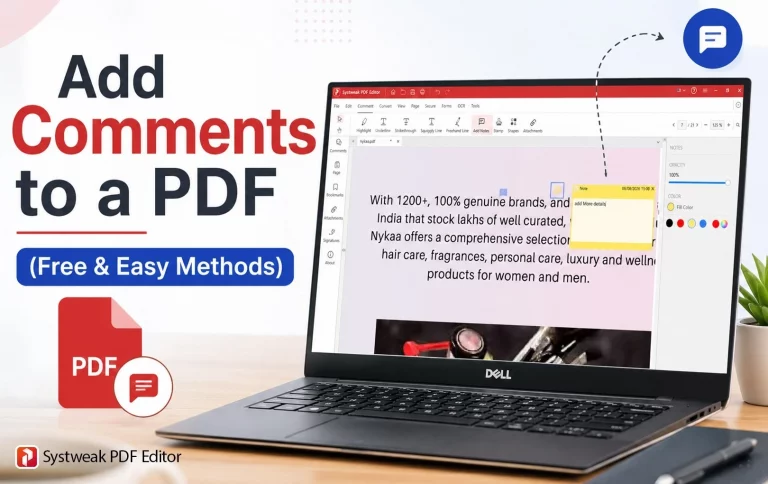
- Annotations: Underline, highlight, or strikethrough text.
- Insert photos: Insert photos, logos, or diagram pictures.
- Page Operations: Delete, rotate, re-order, or insert pages.
How does it make life Easier?
This app converts your Android phone into a document editing smartphone. Whether it is scanning a resume, modifying a PDF report, or modifying presentation notes, you no longer have to wait till you are at a computer. Whatever you need to edit in a PDF on your phone is within reach.
3. Protect PDF on Android with Strong Security Features
Security is very important when dealing with documents containing personal or professional details. This app provides an easy way to secure PDFs on Android by incorporating security features in-built to protect your documents.
Important Security Features:
- Protect documents from improper use by incorporating password protection.
- Prevent editing, copying, and printing by limiting access.
- Use encryption for added security.
Why It’s Important:
From accounting reports, to personal information, to business documents, having them encrypted means that they can only be accessed or modified by those authorized to. Everything is available right from your phone.
4. Add or Remove Watermark to Maintain Branding or Clarity
With this software, you can add or remove watermarks from your PDFs to personalize them or delete them according to necessity.
Key Watermark Features:
- Add your own text or logo watermarks.
- Choose watermark placement (center, header, footer).
- Adjust opacity, font size, and style.
- Remove unwanted or incorrect watermarks.
This software is actually quite helpful for professionals, freelancers, and businessmen who deal with branded or client-centric documents on a routine basis.
5. Scan, Create, and Organize PDFs Seamlessly
Besides editing and security, Systweak PDF Editor & Scanner is a full-featured document scanner and organizer. You can scan documents and save them in PDFs for your Android device.
Scanner Highlights:
- Scan with the phone camera.
- Auto-crop and optimize scan quality.
- Scan images to readable PDFs.
- Scan ID cards and combine pages.
- Create empty PDFs of common sizes such as A3, A4, and A5.
- Organize scanned and saved PDFs into folders.
This scanner choice is perfect for scanning receipts, documents, homework, or handwritten notes in seconds.
Best Practices for Using Systweak PDF Editor & Scanner on Android
To get the most out of your productivity and document effectiveness, remember the following helpful tips:
- Flatten Edited PDFs: Flatten signed or edited PDFs so that changes aren’t unlocked.
- Use Annotation Tools Wisely: Use highlighters for emphasis, sticky notes for reminders, or draw for effective feedback.
- Double Up on Security: Apply both user and owner passwords to augment PDF file security.
- Enhance Scan Quality: Crop, light, and filter before saving your scan as a PDF.
- Stay Organized: Make use of the folder hierarchy and “Recent Files” area frequently in order to access files quickly.
Why Choose the “Systweak PDF Editor & Scanner” App?
In the dozens of apps calling themselves the best PDF editor for Android, this one is worth installing because of its effective feature set, glitch-free operation, and sharp design. Here’s why:
- One-and-done solution: Edit, sign, protect, scan, and organize — all in one app.
- Lightweight: Small size, and it does not add any burden to your device.
- Continuous support: Constant bug fixes and updates by Systweak Software.
- User-recommended: Well-rated in the Google Play Store.
Whether you are handling everyday chores, business reports, or schoolwork, this app puts massive PDF power within your reach.
Final Words
With the Systweak PDF Editor & Scanner app, PDF handling is no longer the concern of a desktop or complicated software. The app offers a productive experience on your Android mobile phone for anything from signing documents to editing text, guarding papers, or scanning documents.
With its business-class appearance, reliable functionalities, and portability, it is a great mix of easy-to-use functionality for professionals or students as well as home users. Productivity wherever you go—this powerful PDF editor puts everything within your reach.