
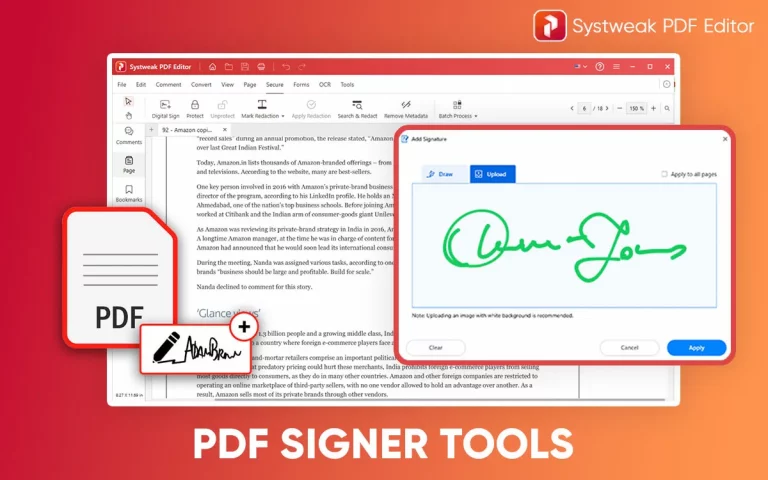

PDF documents are the future of digital documents, and one feature is ensuring that this happens faster than usual. That feature is signing the PDF documents. While there are many PDF management software programs, only a few offer the signature module. This feature allows sign the PDF document with your customized and personal signature that ensures that the document does not carry any unauthorized changes. We have highlighted a few PDF signer software on Windows PC.
Why Is It Important To Sign PDF Documents?
It is necessary to sign the PDF for many reasons. We have listed a few important ones.
- The signature on the document verifies the identity and authenticity of the PDF document. It establishes the fact that it has come from a person or an organization and can be verified.
- Once the document has been signed, it cannot be changed. If some changes are forcibly made, then they can be easily detected. This maintains the Integrity of the document.
- Today, many countries are accepting digitally signed documents and consider them legally binding under electronic signature laws.
- Digital signatures use encryption to protect the document and increase security measures.
- Most digital signing solutions include a timestamp and audit record, helping track who signed the document and when.
Best PDF Signing Software For Windows 11/10
1. Systweak PDF Editor
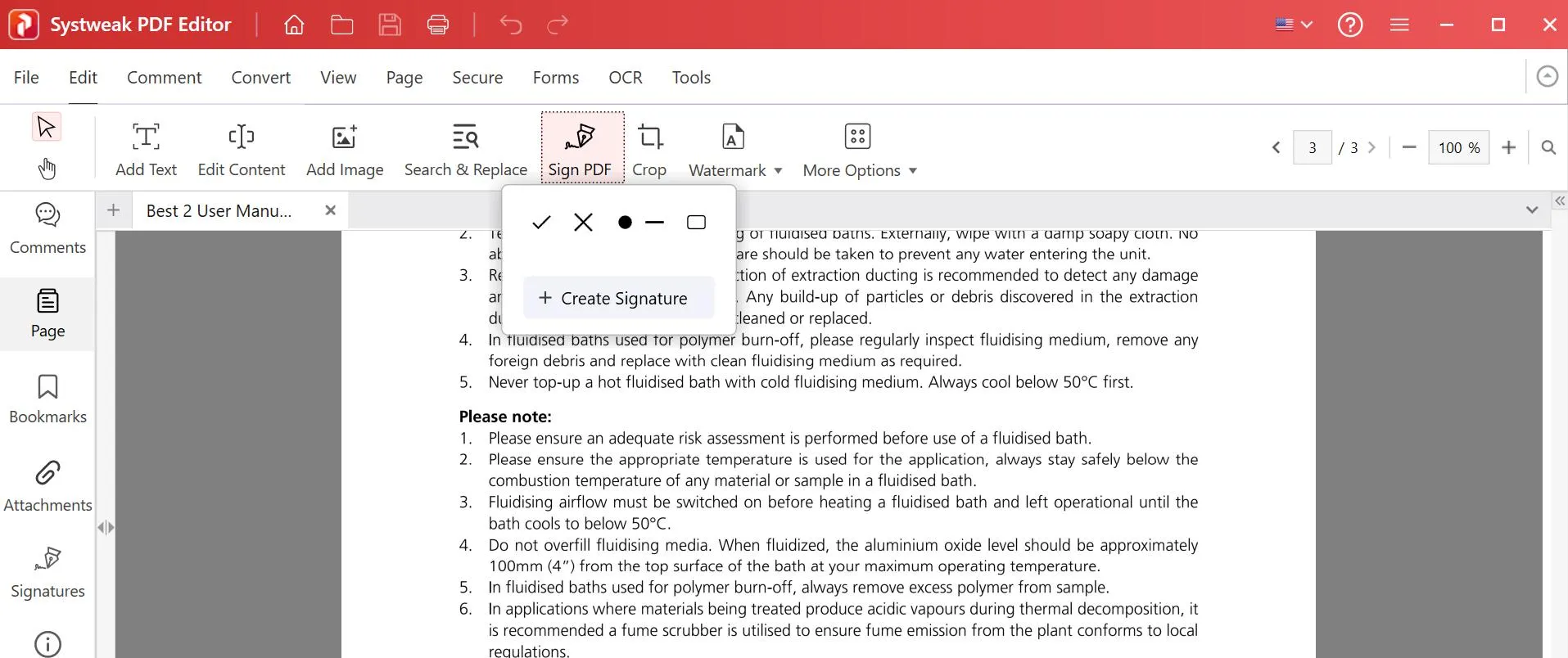
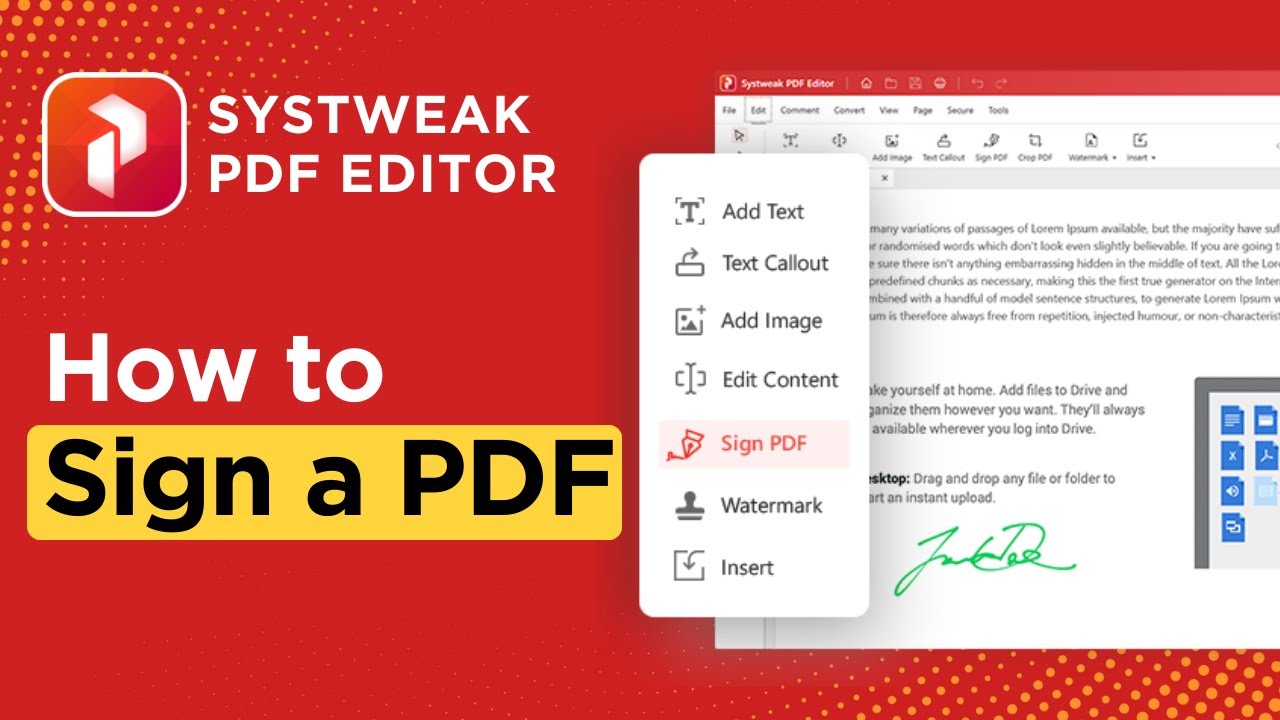
When looking for a PDF signing software, the first one that comes to mind is the Systweak PDF Editor. This amazing PDF editor and management software includes many modules, including the one that allows users to sign the PDF and maintain its integrity. In addition to signing the PDF document, users can view, manage, convert, secure, comment, perform OCR, add form elements, and edit PDF documents in multiple ways.
Features.
- Offers email customer support.
- Offers a money-back guarantee within 60 days.
- Includes the maximum number of features (including PDF Signer) when compared with others on the list.
Price – $48.97 Yearly, $89.95 Lifetime.
2. Adobe Acrobat Pro
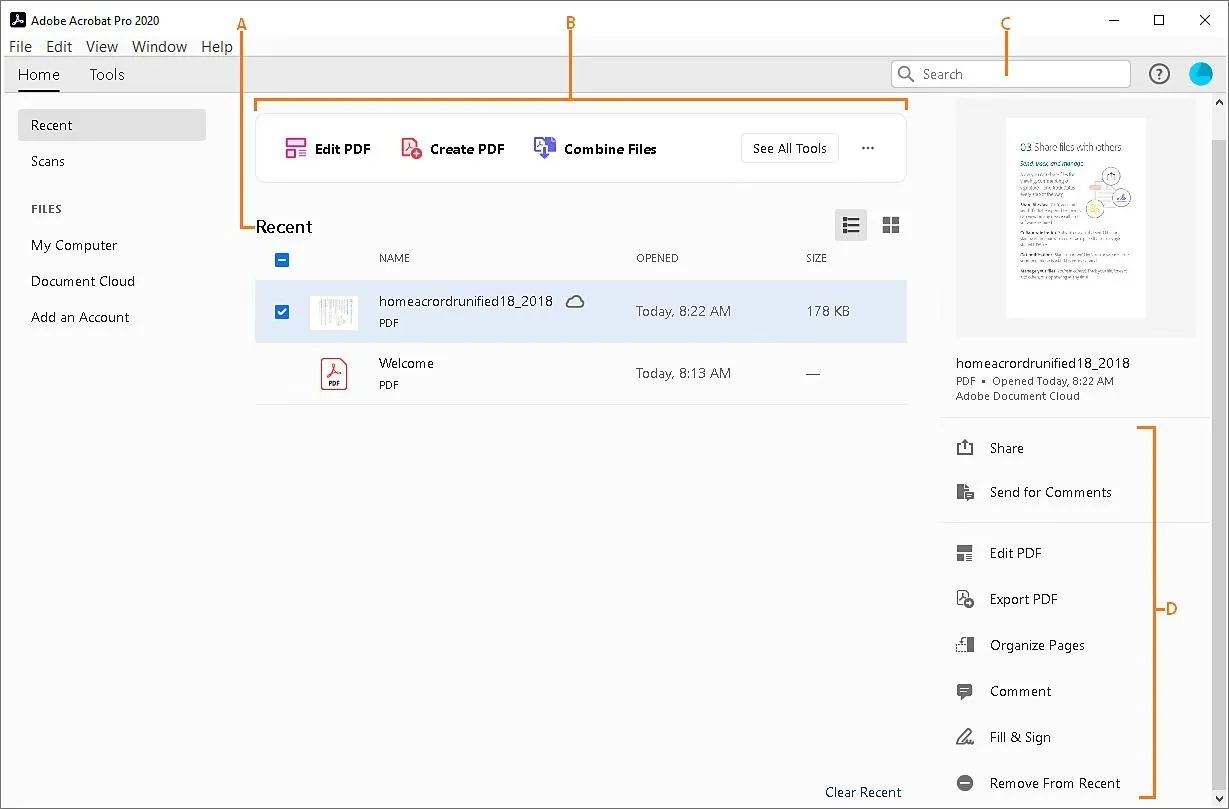
The next one on the list of PDF signer software is Adobe Acrobat Pro. It is equally good when compared to Systweak PDF Editor in terms of features, but it is rather too expensive. You can sign any PDF with Adobe Acrobat and make any sort of changes to your document. Some important features include performing OCR on scanned PDFs, redacting content in PDFs, and securing the PDF by applying a password.
Features
- Convert different documents and images into PDF and vice versa.
- Edit the images and text contained within the PDF.
- Manage the PDF by removing, adding, rotating, or changing the sequence of the pages.
Price – $29.99 monthly and $239.88 yearly.
3. EaseUS PDF Editor
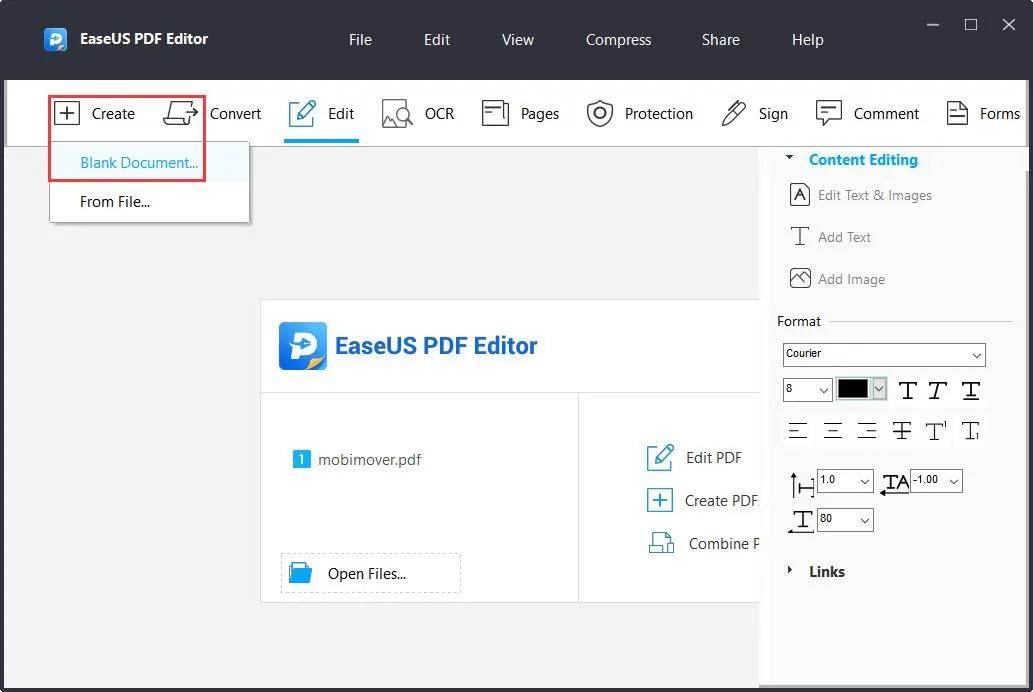
Moving on with the list of PDF signing software, we have EaseUS PDF Editor, which is acclaimed as one of the best PDF signer software. This amazing tool allows users to split, merge, annotate, and perform many other functions, including carrying out OCRs on a scanned PDF document. It includes a special module to sign PDFs with ease. Users can also use this program to convert PDFs into other file formats.
Features
- The editing mode of EaseUS PDF Editor can help users search & replace text in the PDF document.
- The special color mode benefits users by changing the background or applying a background in a solid color.
- This PDF management tool allows users to create and fill out a form on the PDF.
Price – $49.95 Yearly & $79.95 for lifetime.
See Also: How to Reverse PDF Pages
4. Wondershare PDFelement 11
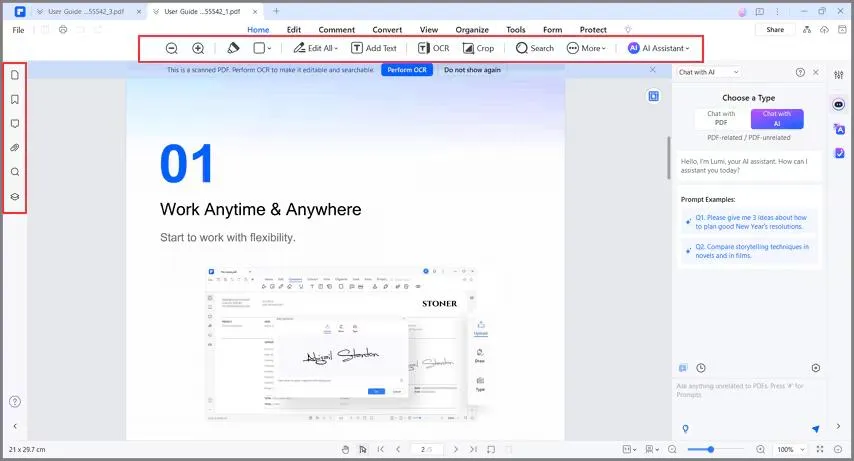
The Wondershare PDFelement 11 is a complete PDF management software that facilitates the signing of PDF documents. It also consists of AI tools that can summarize PDF documents, along with checking grammar and translating the document if needed. This software features all basic PDF editing and management modules like OCR, redacting sensitive information, and editing documents..
Features
- Convert PDF to different file formats, including Excel, Image, etc, and vice versa.
- Compress the PDF to a smaller size while maintaining the quality.
- Add comments, notes, watermarks, and many more elements to the PDF.
Price – $79.99 Yearly and $129.99 Lifetime.
5. Foxit PDF Editor+
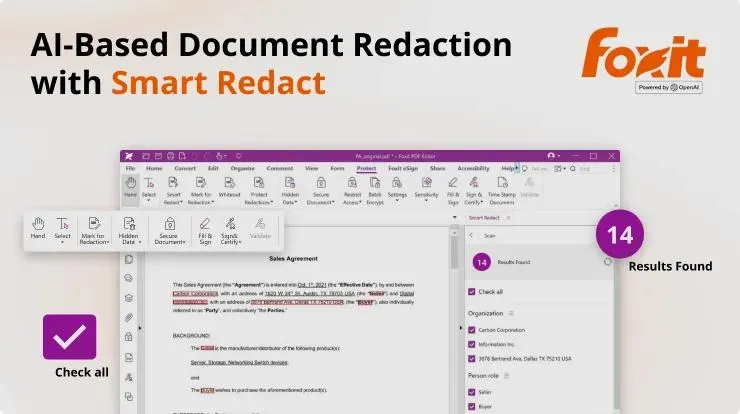
The final app on this list of the best PDF signer software is the Foxit PDF. This app boasts of providing a legally binding signature feature to allow users to sign any PDF document. It also includes the AI Redaction module that can automatically identify Personal Information and redact it. The Foxit PDF is laden with many PDF editing modules, like editing, merging, rotating, creating forms, and filling them.
Features
- The paid users can get access to cloud storage amounting to 150GB.
- Includes AI Smart redact and AI Assistant feature.
- The user can use the same account on PC, Mobile, or any web browser.
Price – $159.99 Yearly.
See Also: How to Remove Watermark in PDF
Conclusion On The Best PDF Signer Software.
We have listed the best PDF signing software with all the details that we could gather. We hope this will help you make the decision on which software to purchase. The final choice is yours, depending on your requirements, but if you ask us, we recommend Systweak PDF Editor, which is an economical software with tons of features that will help you edit and manage your PDF.