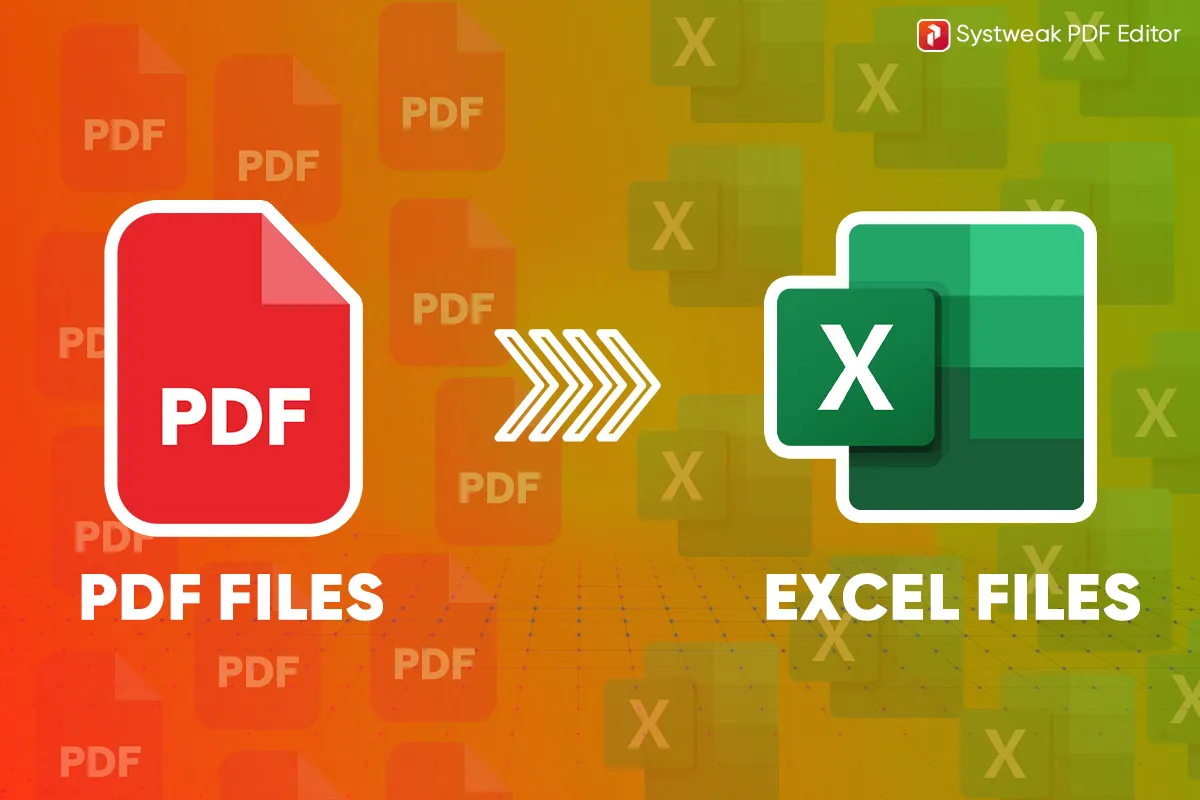
Converting PDFs is mostly tricky, particularly into Excel formats, when you wish to do analysis or keep proper records while keeping all of your data, tables, and format the same...
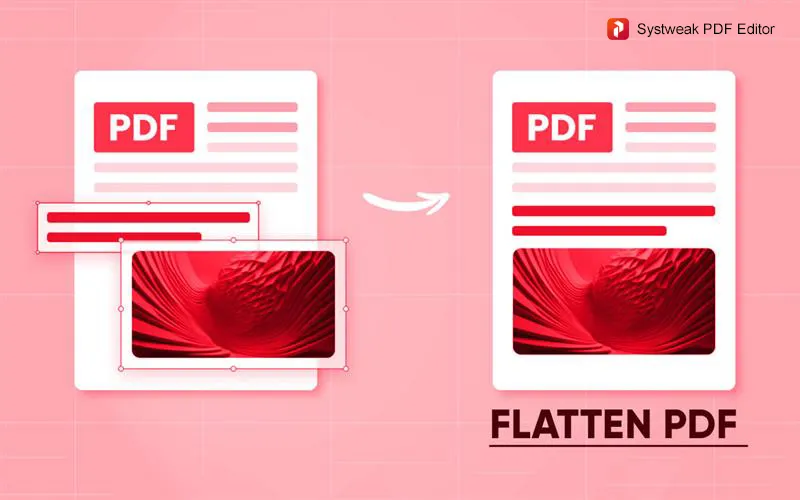
If you are looking for ways to flatten PDFs, you probably know that there are many types of objects you can add to your PDF document, like images, forms, annotations,...
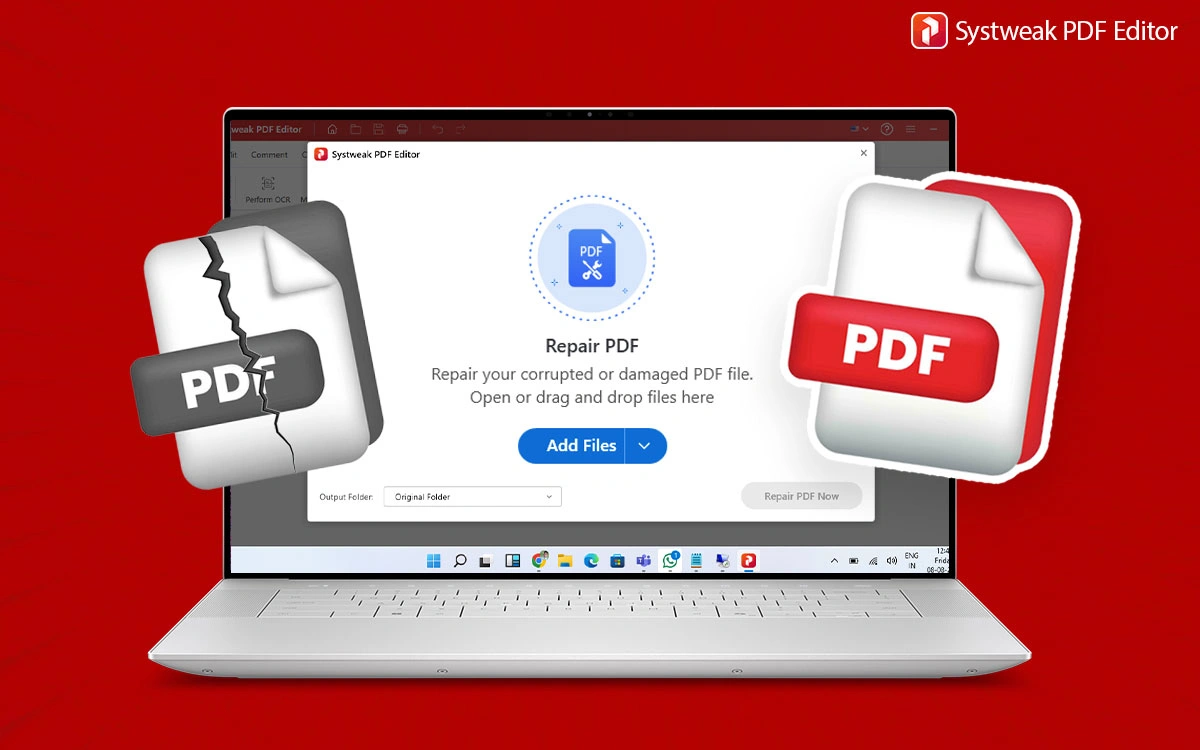
PDFs are the most favorable formats; they are widely used to keep documents consistent across devices and platforms. And it can be frustrating when you are not able to open...
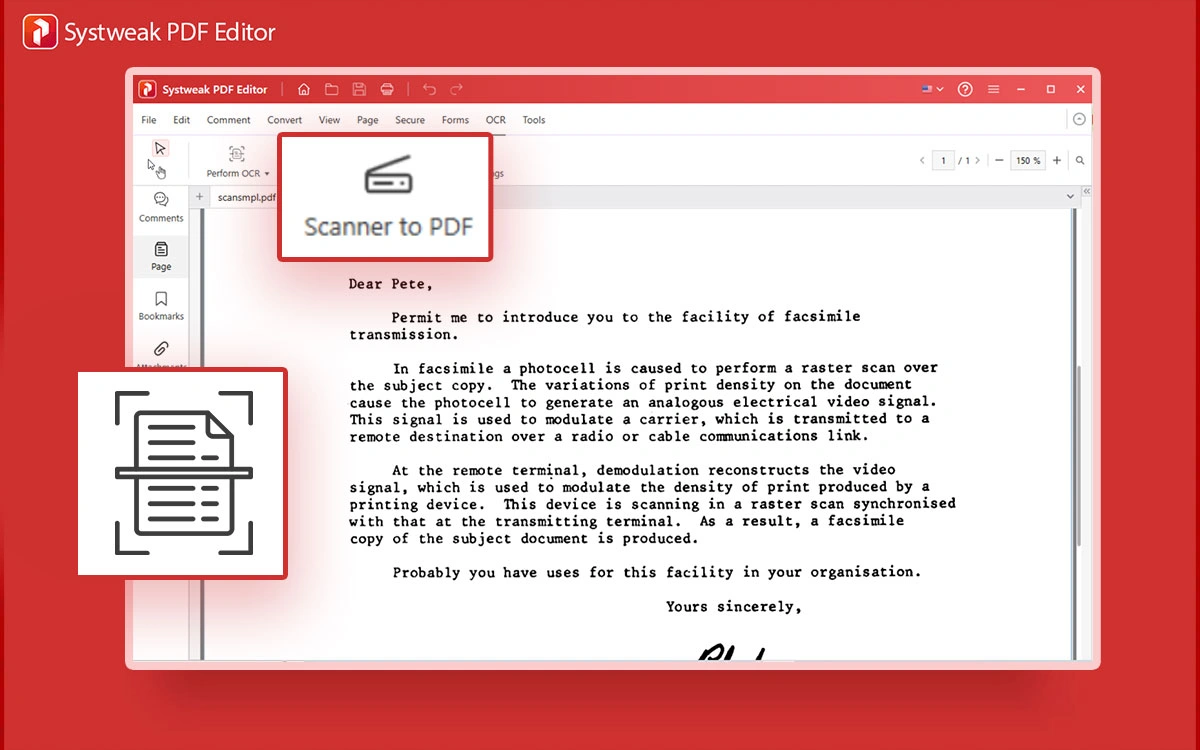
If you want to digitize your physical documents that should be piled up and properly saved, then scanning them into PDF is the best way. Since managing paper documents can...
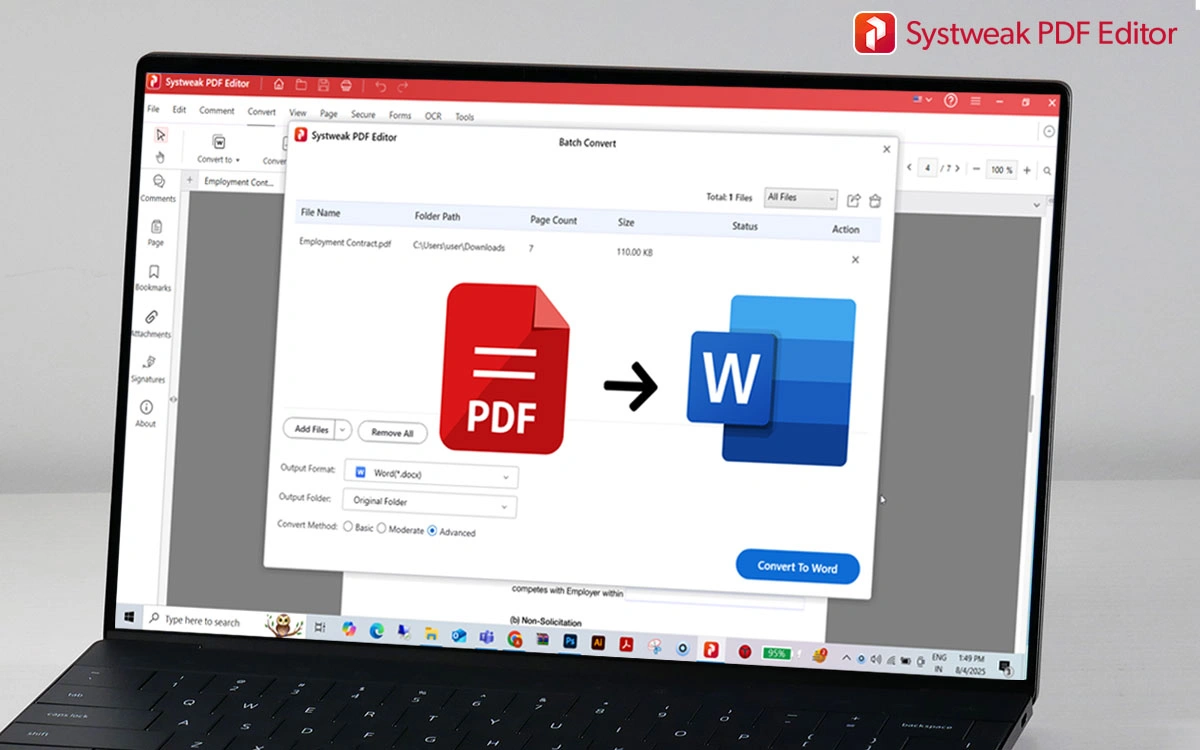
Converting a PDF to Word is a frustrating task because most PDF-to-Word converter tools do not maintain the layout, and original formatting accuracy is not always preserved. Elements like tables,...
Converting PowerPoint to PDF while retaining your design and content is the best thing that anybody who gives a presentation often can expect. However, while doing so, many people experience...
 All-in-One PDF Editor to Edit, Merge, Convert, Split PDFs & More
All-in-One PDF Editor to Edit, Merge, Convert, Split PDFs & More
All-in-One PDF Editor to Edit, Merge, Convert, Split PDFs & More