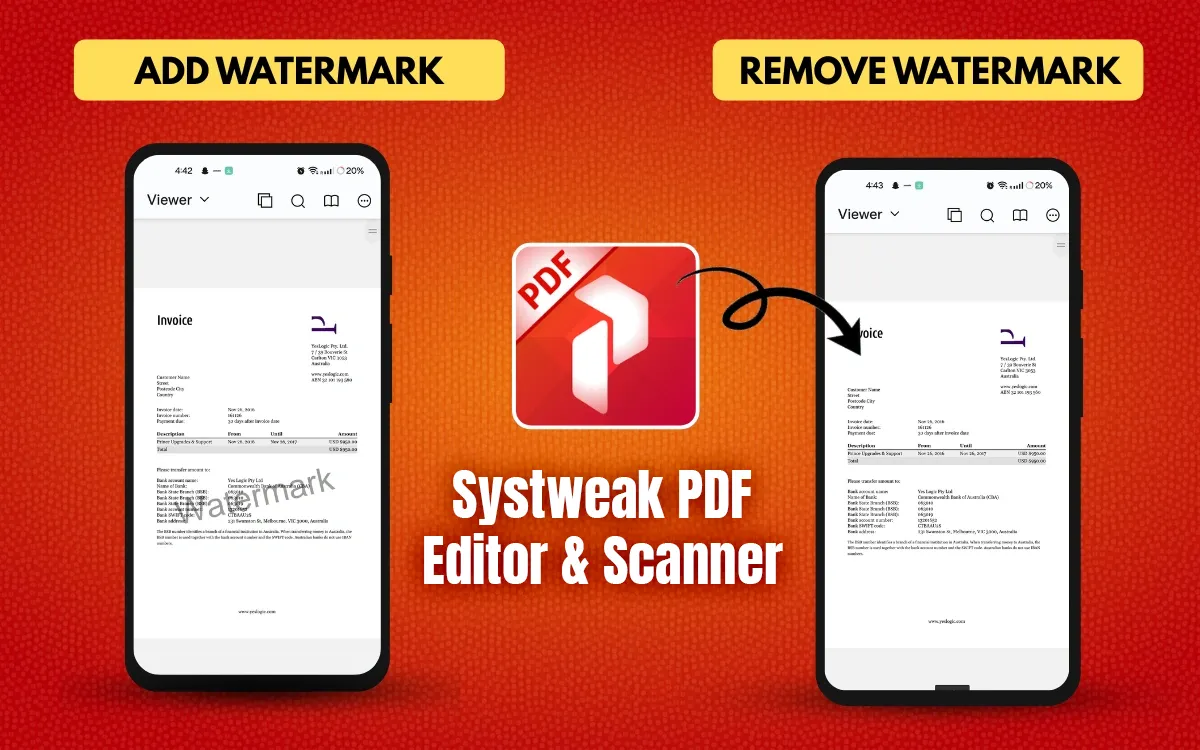
Adding or removing a watermark in a PDF might sound like something only desktop software can do, right? But No, you can easily handle it right from your Android phone!...
PDF (Portable Document Format) is an invaluable format; we rely on it for all our documentation. It does not matter if you are writing theses, reports, business proposals, books, etc....
PDFs have become an integral part of our professional and study lives. PDFs are everywhere, whether you are working with research papers, reports, eBooks, or any important document. Navigating through...
Slide shows have been a staple of modern communication in a work-obsessed world. By incorporating visual content (including graphics, charts, and photos) into a Presentation, your message also becomes more...
PDF has become the preferred file format when the need arises to share or preserve the overall integrity of a document's layout across interrelated platforms. Regardless of whether it is...
Adding a password on a PDF File keeps it safe, so only people who know the password can open and view it. Protecting your important PDF files is super important...
 All-in-One PDF Editor to Edit, Merge, Convert, Split PDFs & More
All-in-One PDF Editor to Edit, Merge, Convert, Split PDFs & More
All-in-One PDF Editor to Edit, Merge, Convert, Split PDFs & More