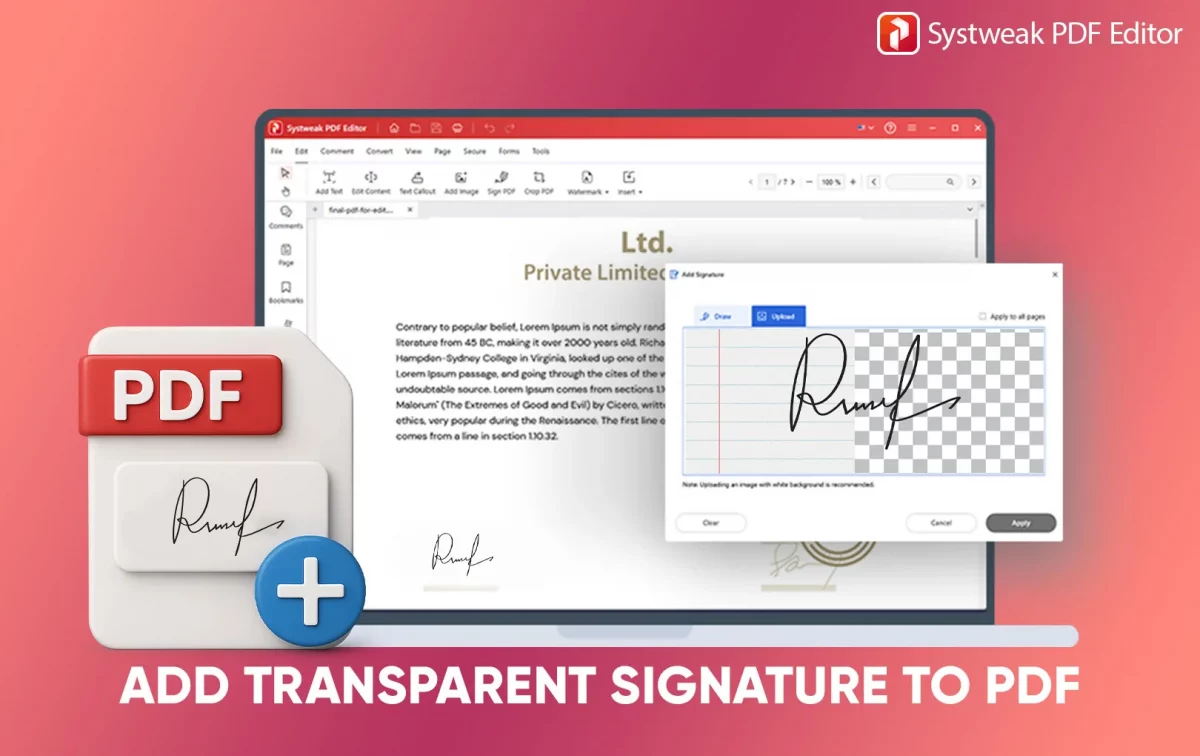
PDFs are the go-to for items ranging from official papers, such as contracts, approval forms, and even e-signatures. But the one major complaint that most users have in common is:...
PDFs are so well-liked because they maintain their layout on different devices and operating systems. If you have a research paper, legal document, eBook, or business report, PDF is the...
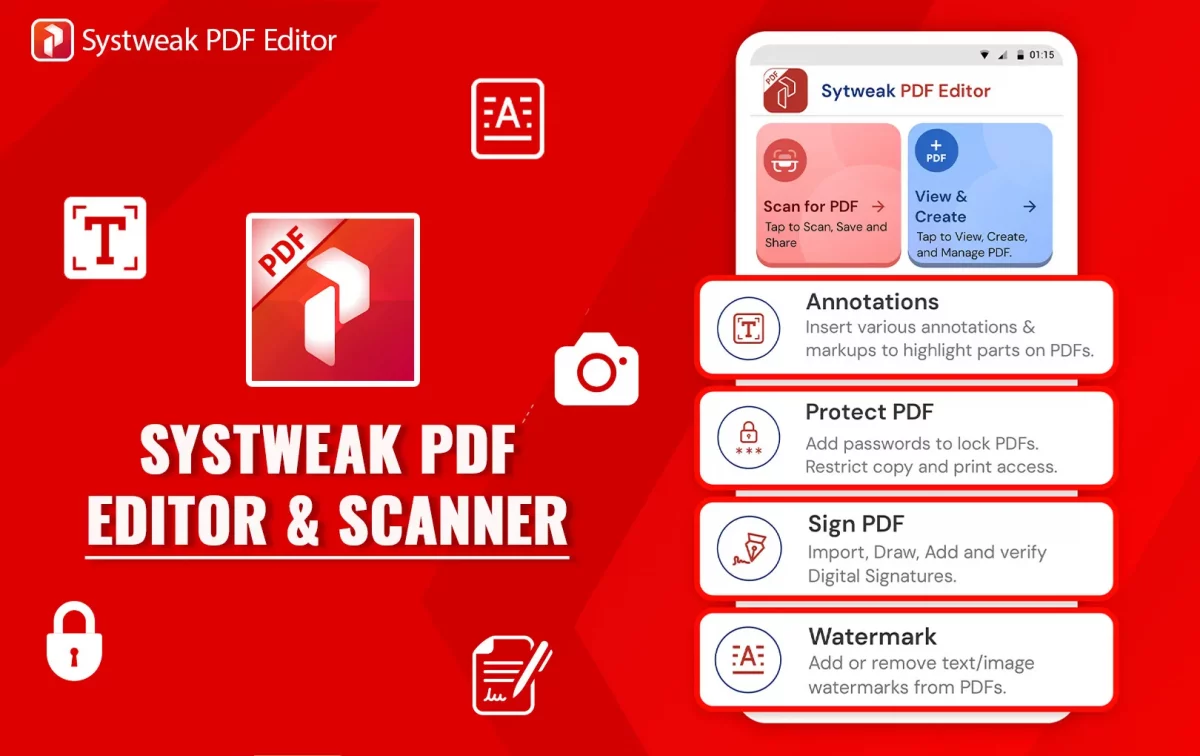
It shouldn’t be as painful as it is now to work with PDFs on your phone. Whether you make a living out of writing or just casually type all day...
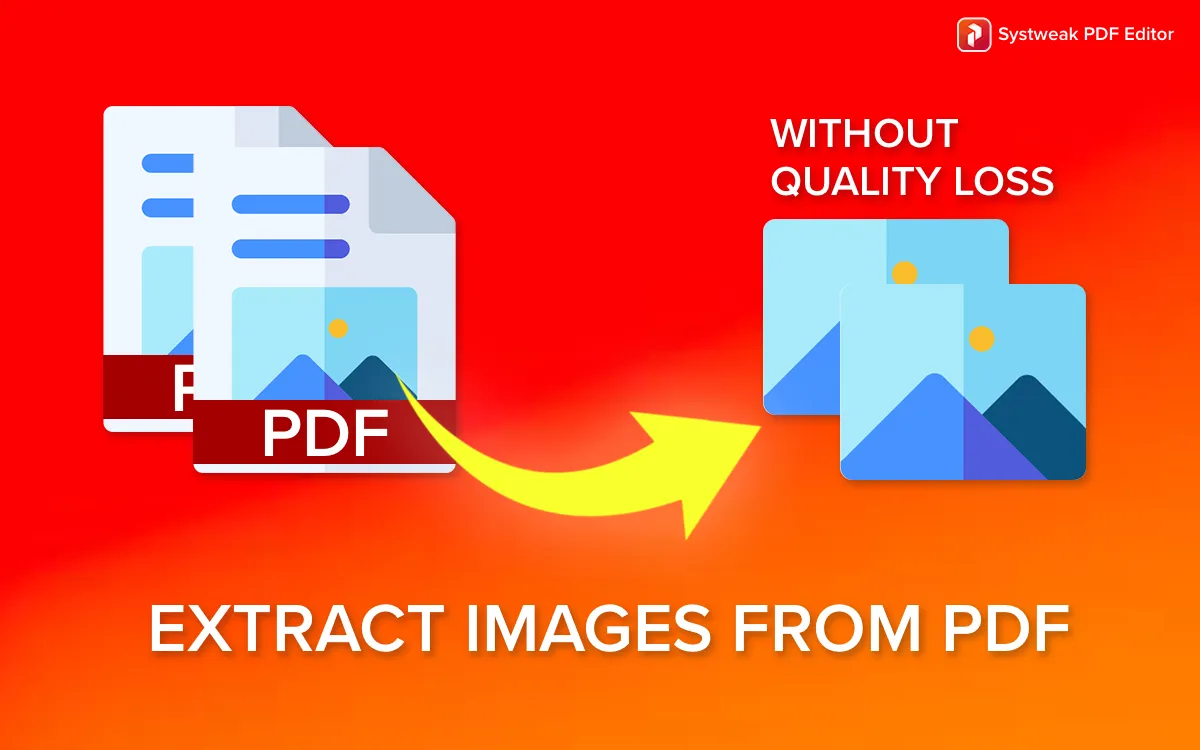
PDF is perhaps the most common document, presentation, report, and eBook sharing format. PDF performs well in preserving content quality regardless of platform, but images are difficult to retrieve from...
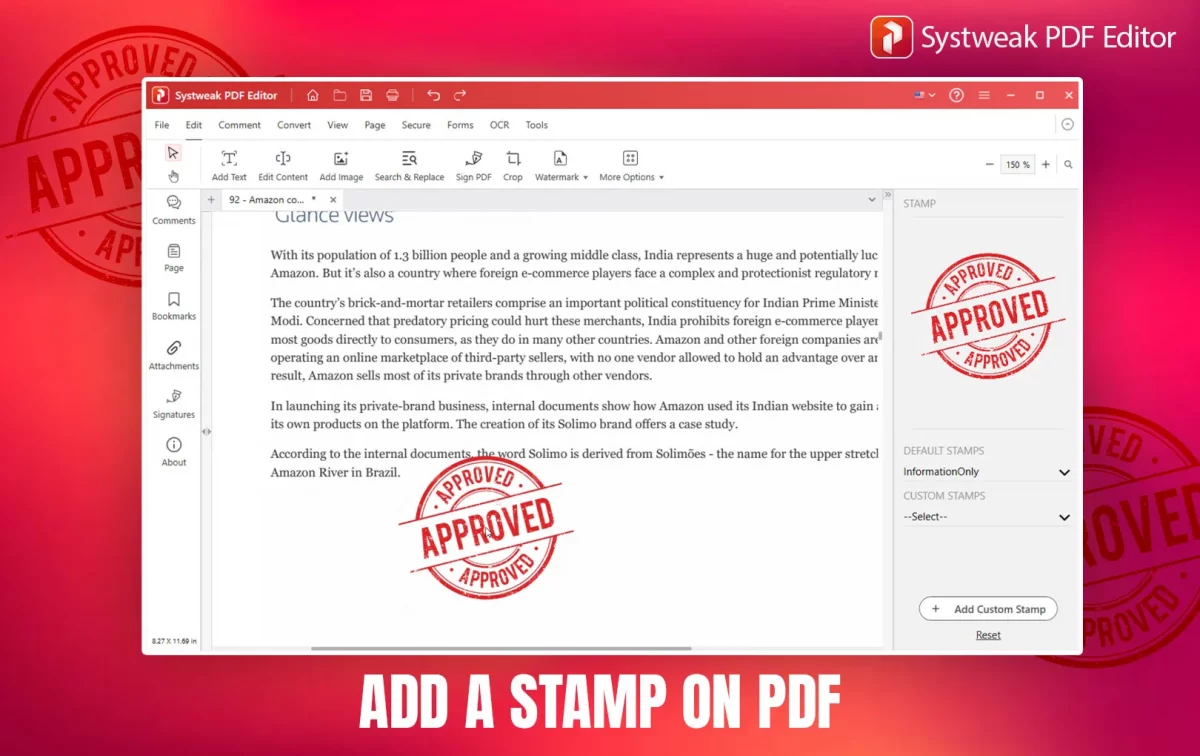
If you are a working professional who deals with PDFs then you must know that even PDFs I mean your digital documents can be stamped just like stamping paper. Those...
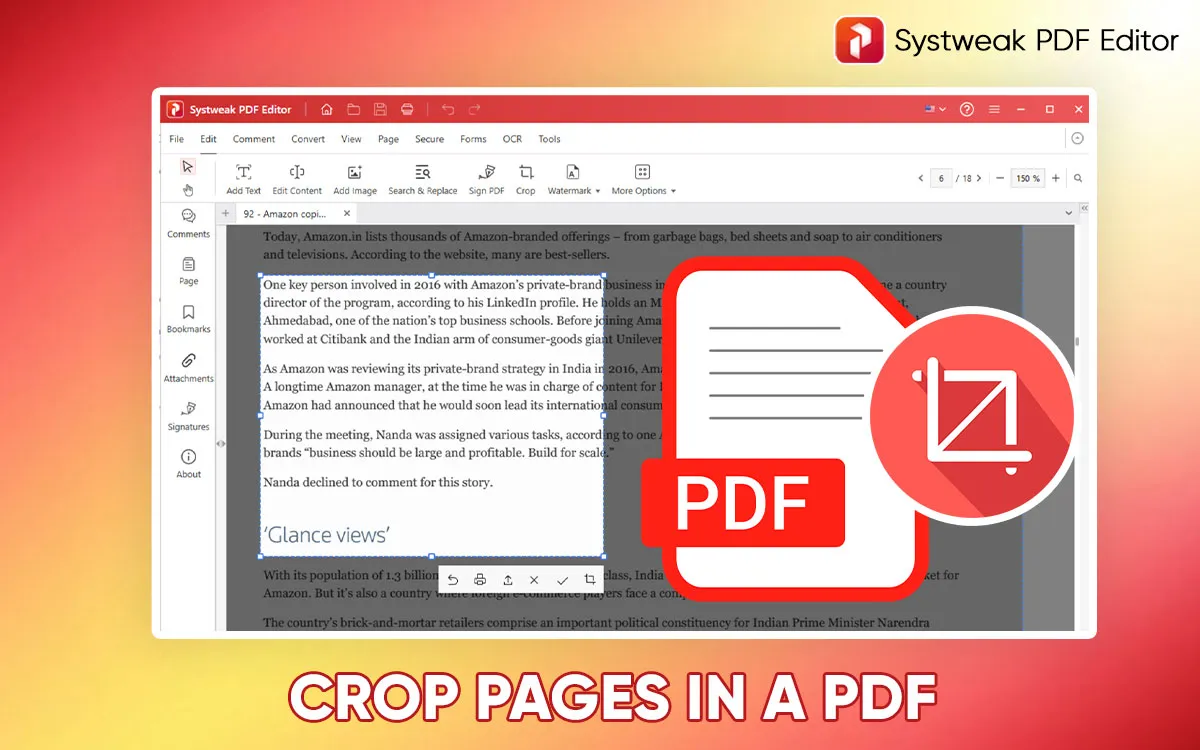
Knowing how to crop a page in a PDF is a very essential thing. How many times do we need to extract any specific portion from a PDF or just...
 All-in-One PDF Editor to Edit, Merge, Convert, Split PDFs & More
All-in-One PDF Editor to Edit, Merge, Convert, Split PDFs & More
All-in-One PDF Editor to Edit, Merge, Convert, Split PDFs & More