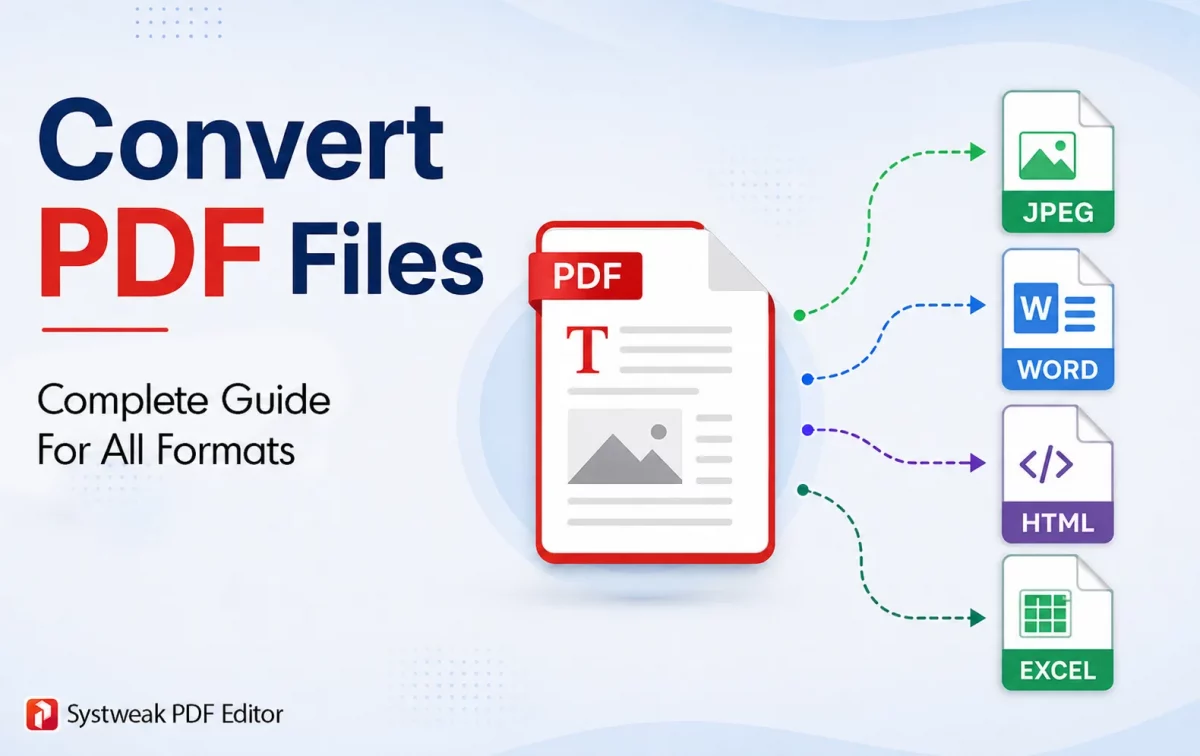
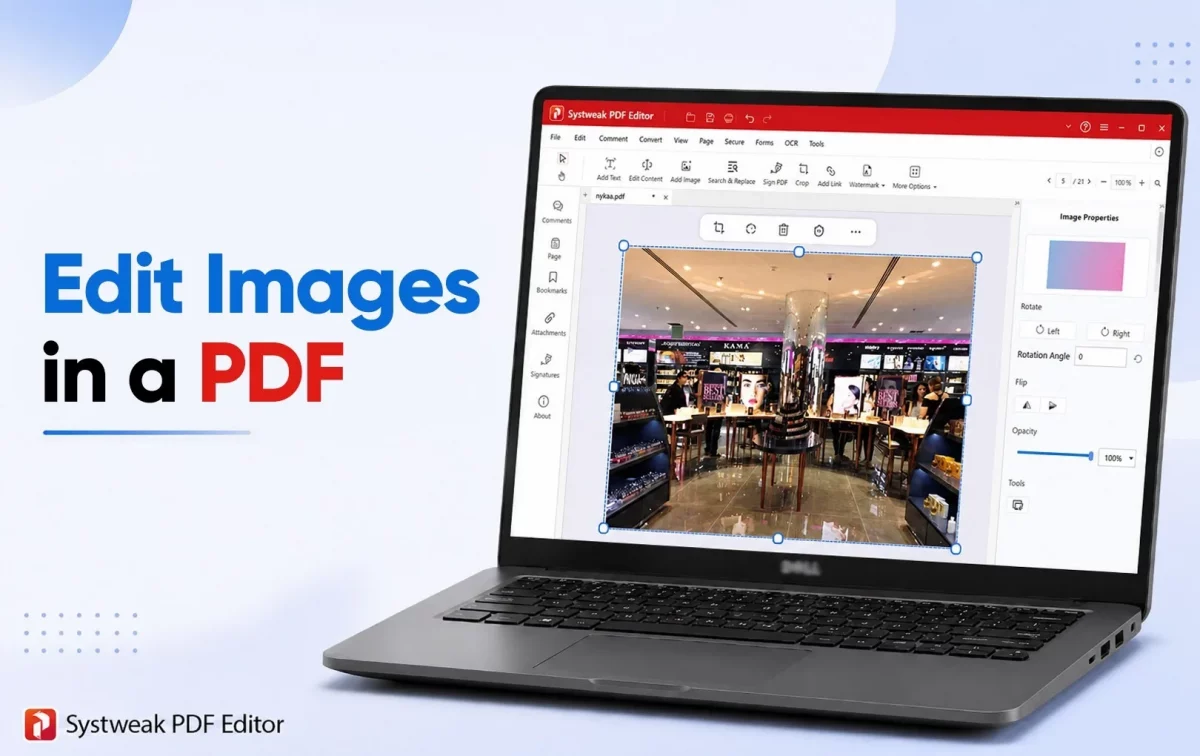
Today, transfer of digital documents is mostly done in the form of PDFs. However, what if you want to make changes to that file or work on it, like applying...
Editing a PDF is not an easy task, as the format was developed to maintain the exact, original, and intended formatting of a document, no matter where it was opened....
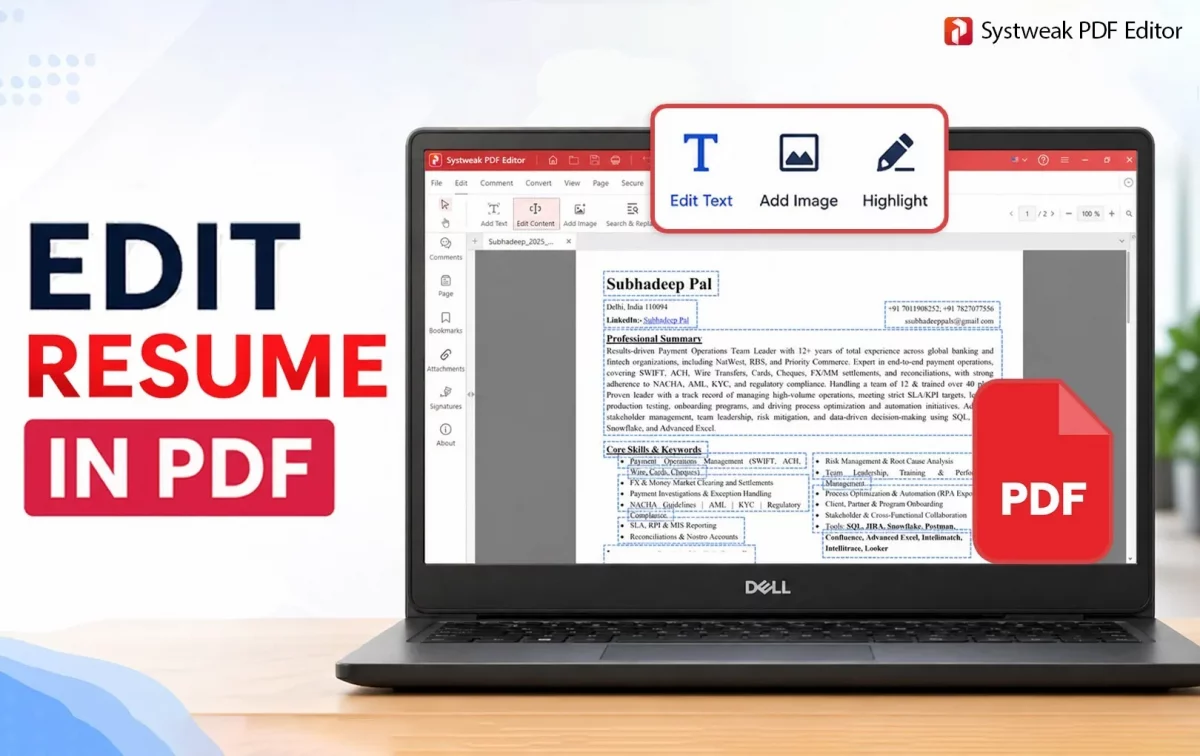
Resumes in PDF format are very common, but when it comes to making changes to them, things can be frustrating because PDFs are not editable- that's what we have been...
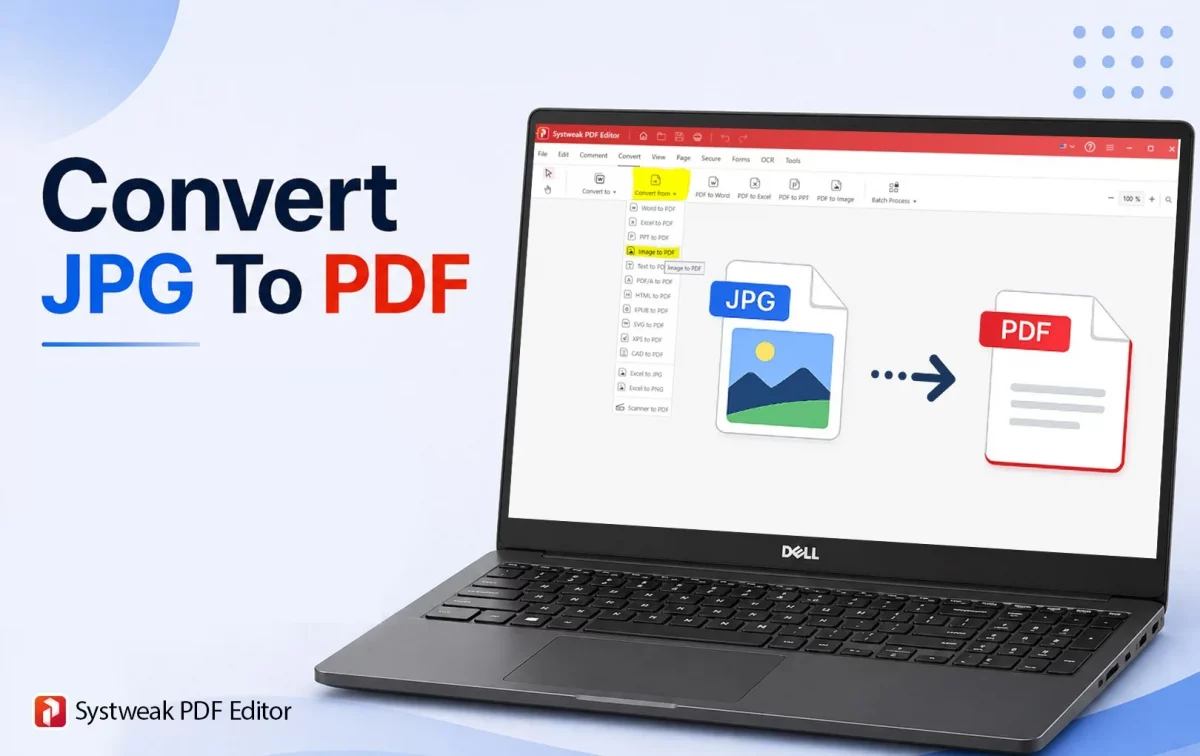
Systweak PDF Editor is a comprehensive PDF editing tool that will help users convert multiple images into a single PDF document without losing the quality of the images. This JPG...
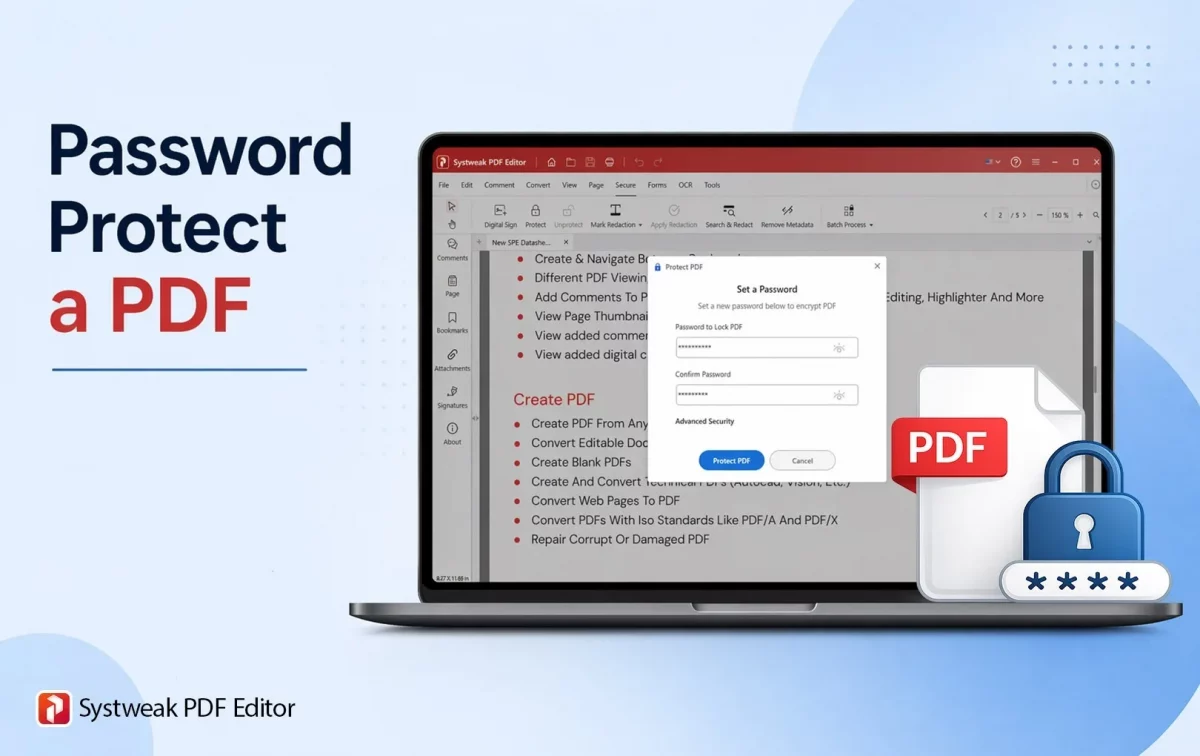
A PDF document can be protected by applying a strong password. This prevents unauthorized people from viewing the document. Password protection is used for professional documents like bank statements, company...
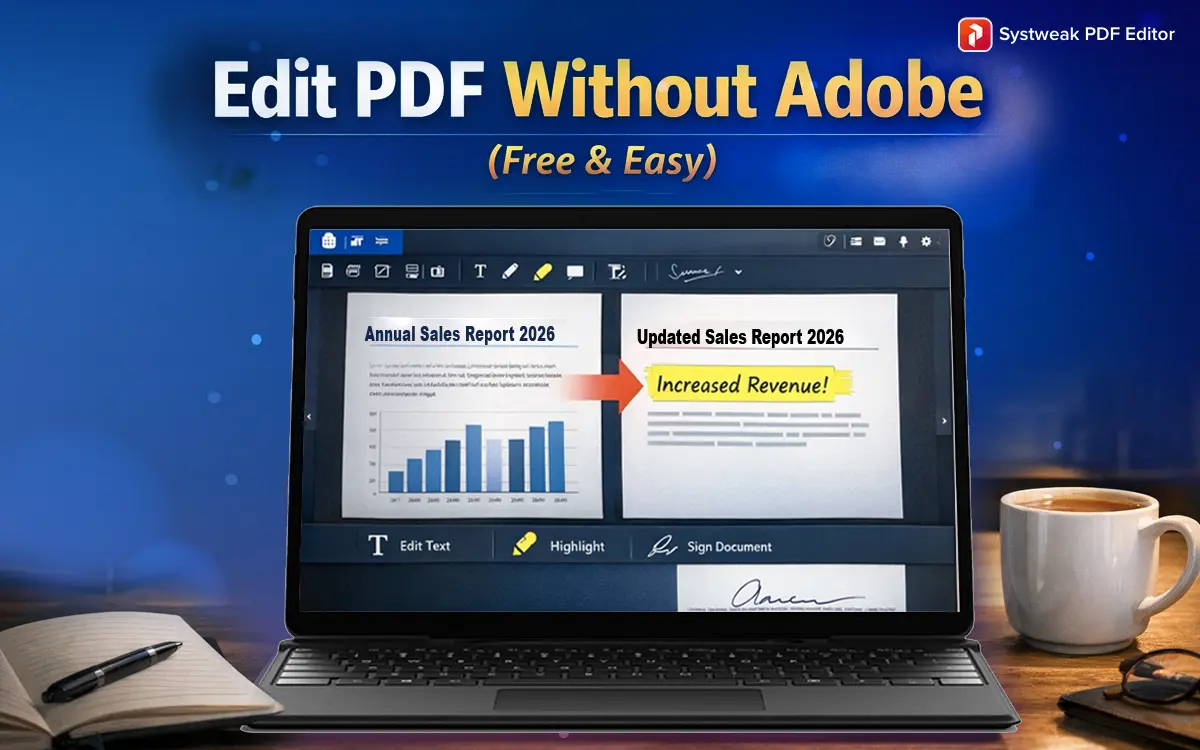
Introduction PDF editing feels simple until you open a tool and it asks you to create an account or enter your card details before you can change a single word....
 All-in-One PDF Editor to Edit, Merge, Convert, Split PDFs & More
All-in-One PDF Editor to Edit, Merge, Convert, Split PDFs & More
All-in-One PDF Editor to Edit, Merge, Convert, Split PDFs & More