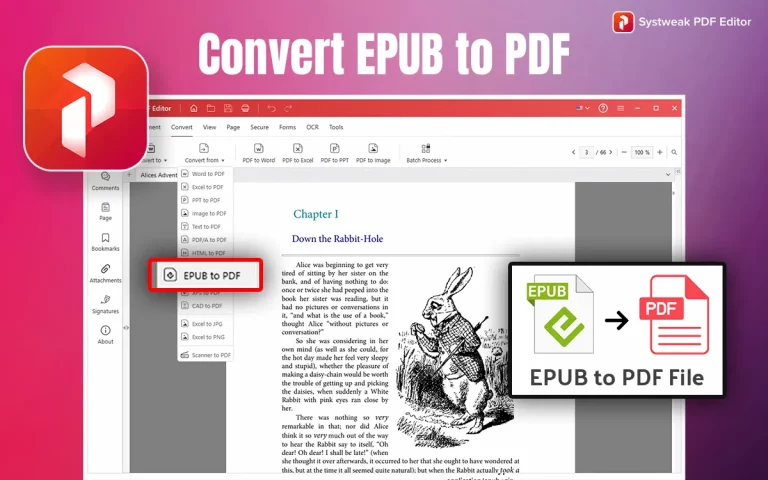

It is estimated that 50% of the people who receive an EPUB file cannot open or edit it. There have been many queries on tech forums like Reddit, Quora, etc., from students who have downloaded an EPUB file from Project Gutenberg or Online College Resources about converting EPUB files into something more readily accessible and editable.
Although the EPUB format is a boon for Ebook readers, it can pose a challenge for others. The best feasible solution is to convert your EPUB files to PDF files. PDF format is a commonly used format for documents and can be opened on most of the devices and operating systems, and will appear in the same formatting and layout.
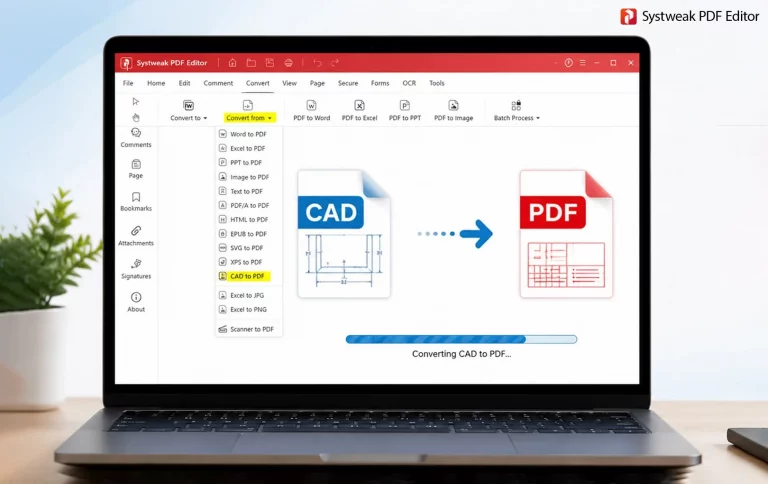
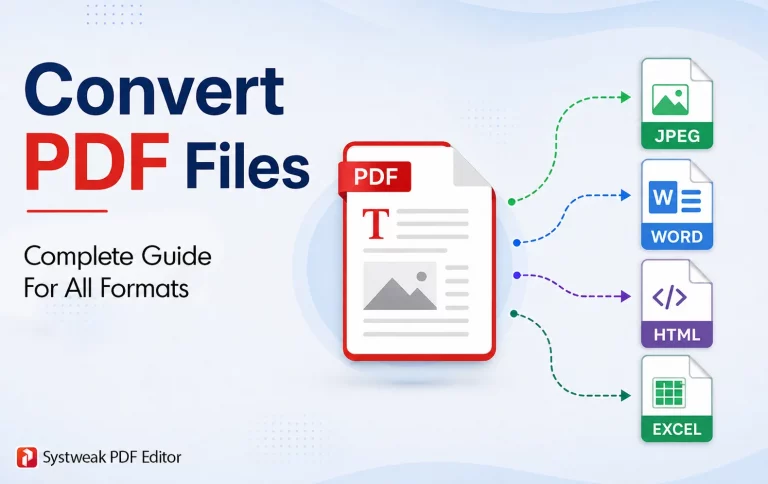
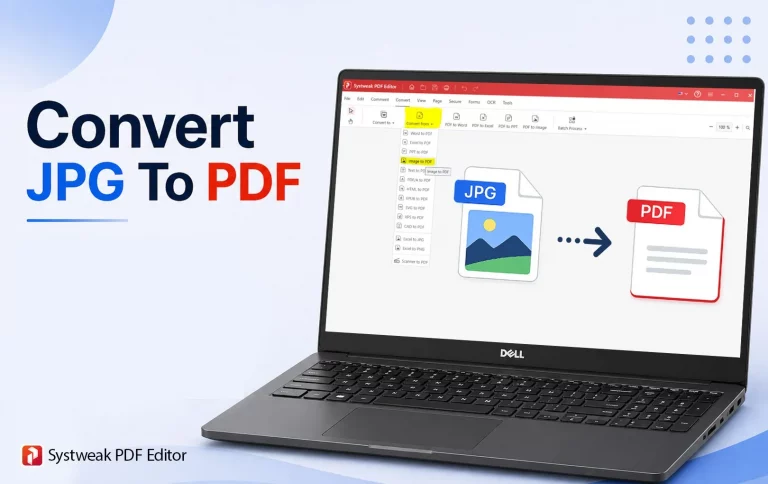
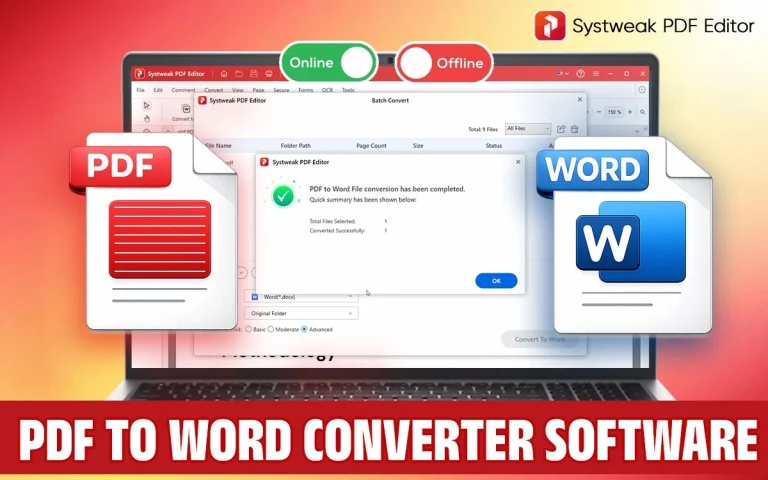
Systweak PDF Editor is one of the best EPUB to PDF converter tools that can convert EPUBs to PDF format without losing the formatting and original layout. This complete PDF editor tool allows users to edit any PDF by adding/deleting text, images, annotations, digital signatures, and more. It also enables users to make changes to the pages of the PDF by adding, removing, rearranging, rotating, and merging/splitting the PDF.
What Is an Epub File? And How Is It Different From PDF?
EPUB stands for Electronic Publication and is a versatile format for eBooks that is made for digital reading. The text is said to “flow,” meaning that the font size, layout, and design will automatically adjust according to the size of the screen and other factors.
PDF stands for Portable Document Format and is similar to a painting in a frame that cannot move. All the elements within a PDF file stay the same, no matter what screen it is viewed on. Unlike EPUB, PDFs are better suited for printing, professional documents, and sharing, where consistent formatting is essential.
Why Convert EPUB to PDF?
Although EPUB is an efficient format of eBooks and other digital publications, there are still some limitations associated with the EPUB format . Users may face issues when transferring files from one device to another, printing and viewing them. While it makes the process of reading on eBook readers and mobile devices easier, it can cause loss of formatting, page setting, font, and image disturbance. In other words, the same EPUB file may appear in a completely different way on various devices. Also, EPUB files cannot be opened by many devices and applications without special readers or applications. It makes their transfer and distribution complicated. You will be required to provide an additional program for viewing the files. Here’s why it is advisable to switch from EPUB to PDF format:
- Universality: The document can be viewed on almost any device without any special software
- Formatting: Ensures that the document retains its exact design and layout
- Printing: Makes printing easier without worrying about layout problems
- Professionalism: Suitable for use at work or in academic settings
- Offline Access: Works well without an eReader
- Security Features: Includes options for password protection
- Editable: PDFs can be edited using a powerful PDF editor tool like Systweak PDF Editor.
Methods On How to Convert EPUB to PDF?
There are three ways you can convert EPUB to PDF: first, by using desktop software, second, by using an online tool, and third, by using Calibre, which is an ebook management software.
Use Systweak PDF Editor (Recommended method)
Systweak PDF Editor is a PDF editor tool that includes many PDF editing modules to make changes to your PDF. You can add/remove text, images, annotations, watermarks, digital signatures, and passwords. When it comes to managing the pages, this tool allows you to add, delete, reorder, rotate, and organize the PDF in multiple ways. It also contains a powerful OCR that can convert scanned images with text to editable PDFs. Let us focus on the multi-format PDF conversion tool here and how you can convert EPUB to PDF.
1. Download and install Systweak PDF Editor on your PC using the download button below.
2. Open the software and click on the Convert tab in the toolbar.
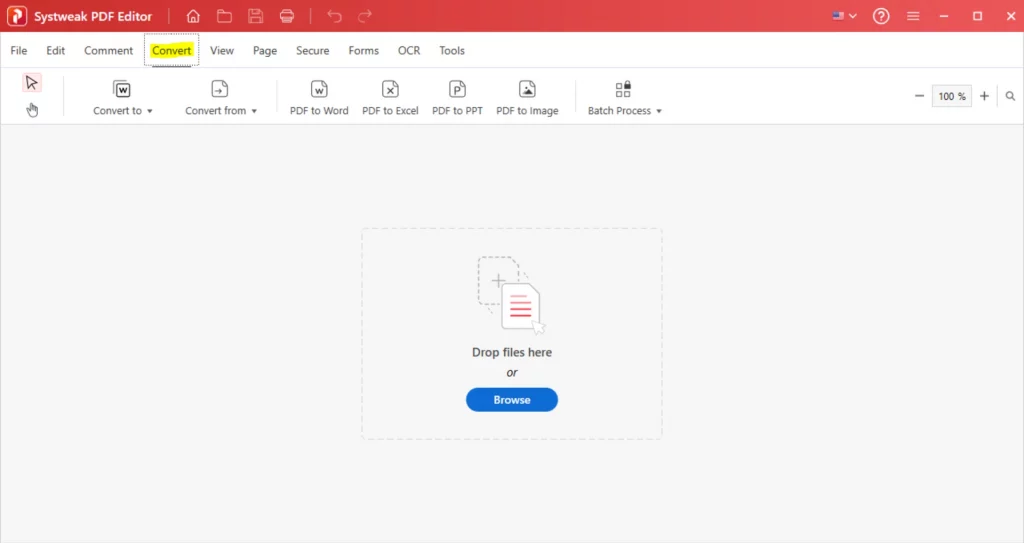
3. Next, click on the Convert From button in the ribbon and choose the EPUB to PDF option.
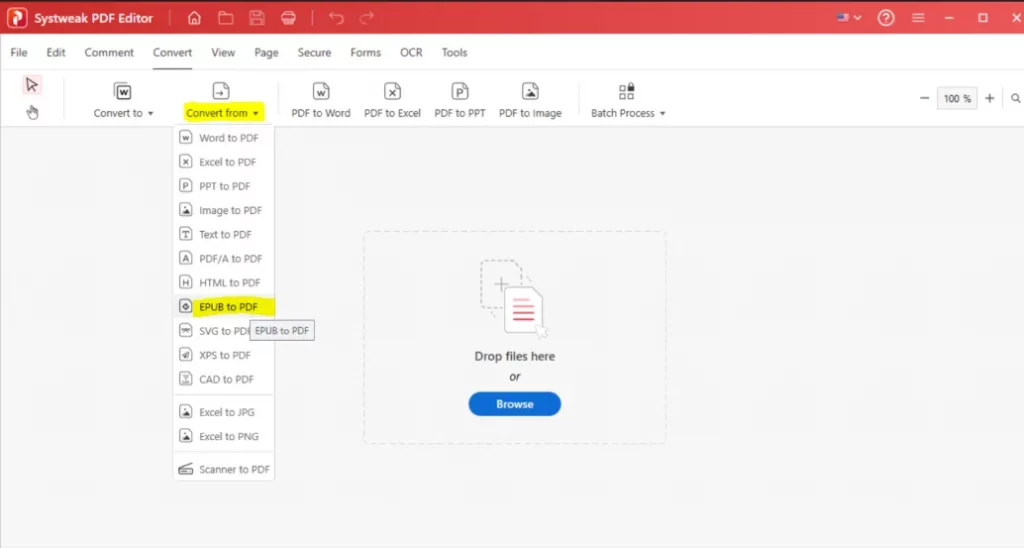
4. A new File Explorer window will open, where you have to select the EPUB file that you wish to convert.
5. Please wait for the process to complete.
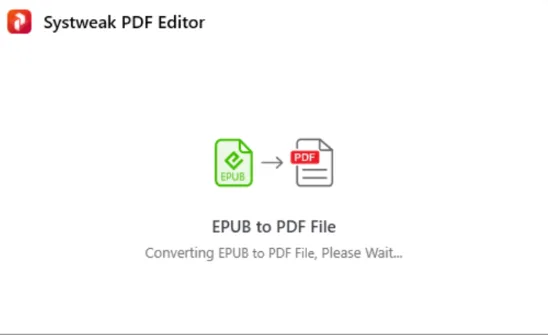
6. Click on the OK button.
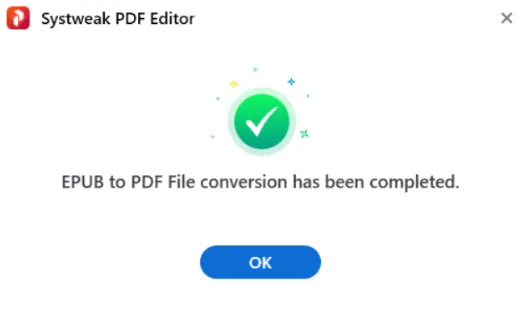
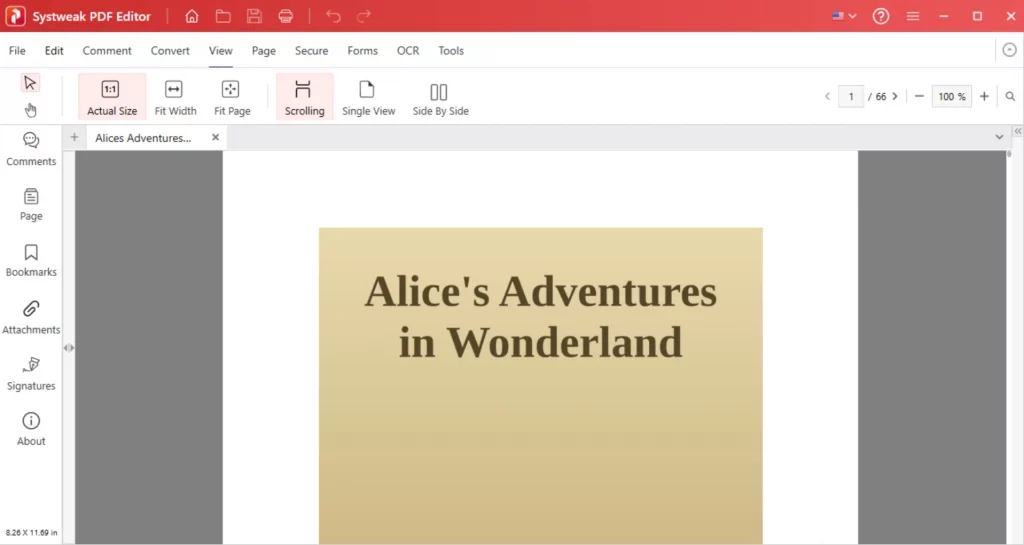
7. The converted PDF file will be saved in the same folder where the EPUB was stored. It will also open in the Systweak PDF Editor app, where you can edit the content, apply a password, add a watermark, or make one of many modifications to a PDF.
Use Online Software
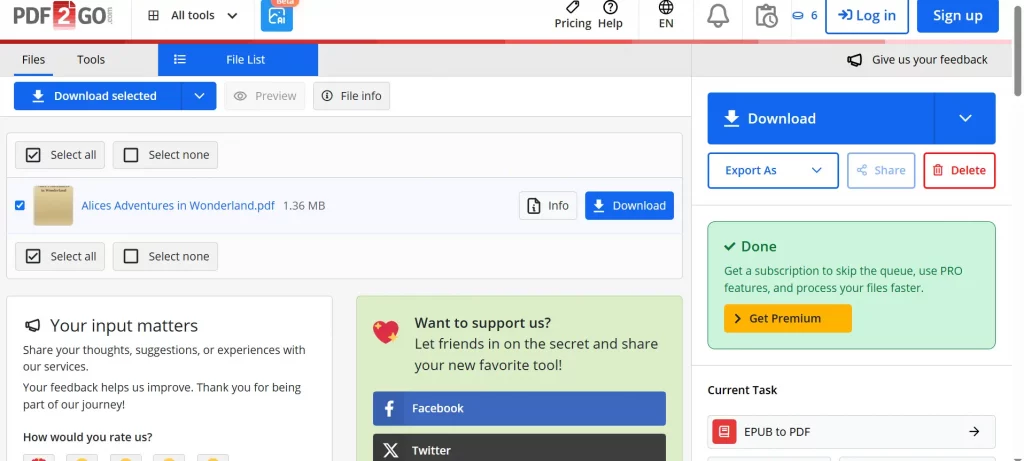
There are many online web tools that you can use to convert your EPUB files to PDF. But we don’t recommend using these tools because there is a threat to the security and privacy of your document. This happens because the online PDF converters upload the user’s file onto their servers, make the changes there, and then allow the users to download the modified PDF. There is no guarantee when the PDF file will be deleted from the tool’s servers. We have selected the PDF2GO online tool for demonstration purposes.
1. Navigate to the PDF2GO website.
2. Click on the Choose File button and select your EPUB file.
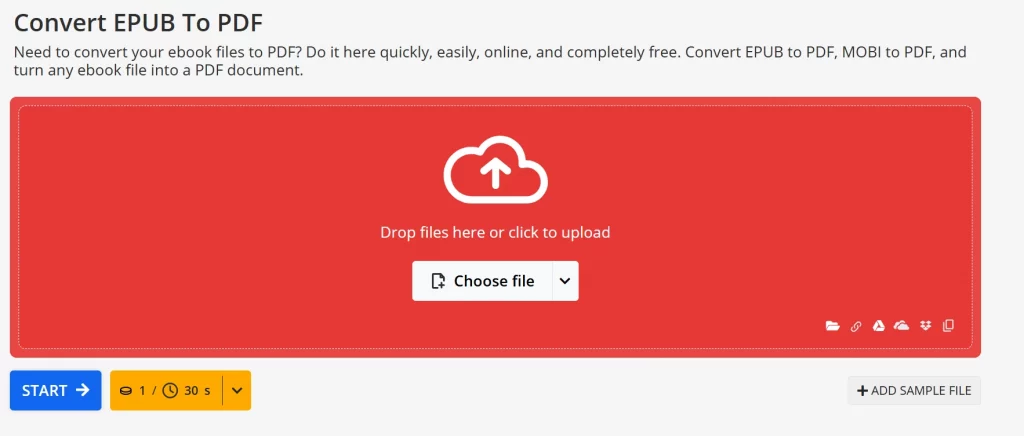
3. Click on the Start button after the file has been uploaded.
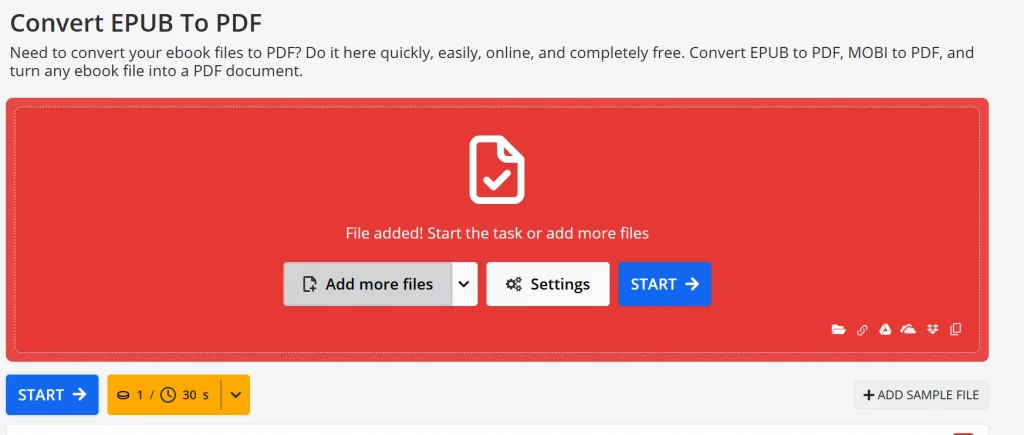
4. Wait for the conversion process to complete, and click on the Download button, and the converted PDF file will be downloaded in the default Download folder.
Use Calibre
Calibre is a free Ebook management program that allows users to read Ebooks and convert them to other formats. Here is what you need to do.
1. Download and install Calibre from the official website.
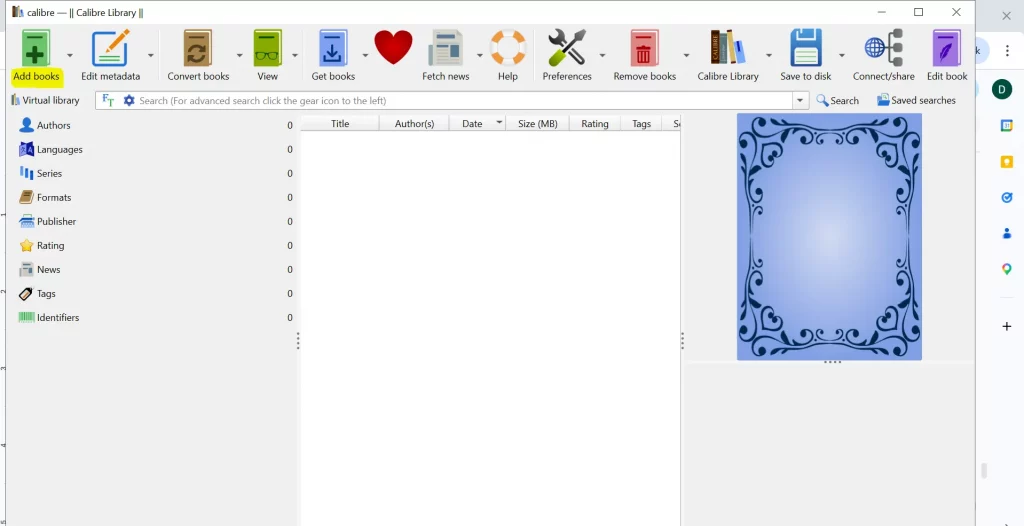
2. Open the Calibre program and click on the “Add Books” button.
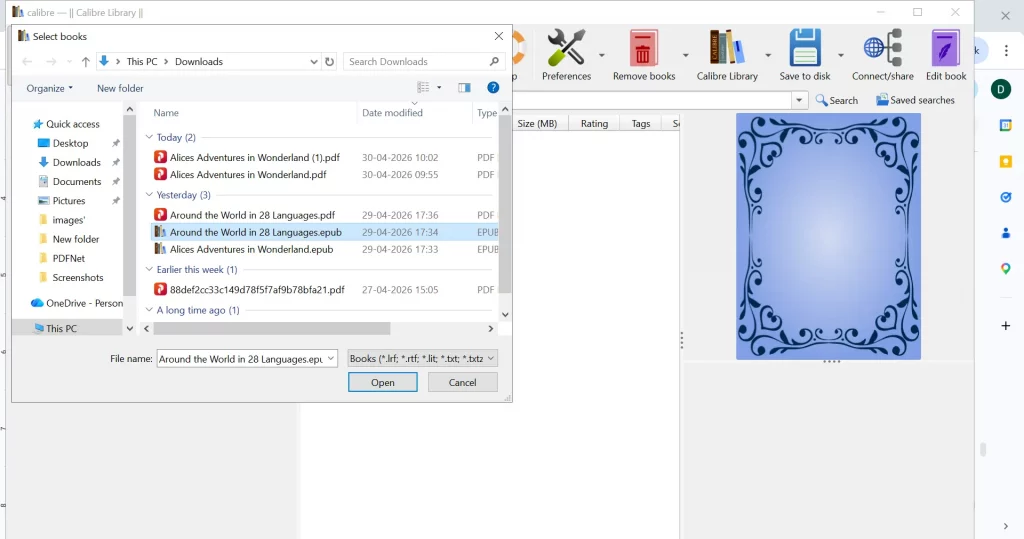
3. Select the EPUB you wish to convert using the File Explorer window.
4. Click the Convert books option on the top ribbon, then choose PDF in the Output Format dropdown at the top-right corner.
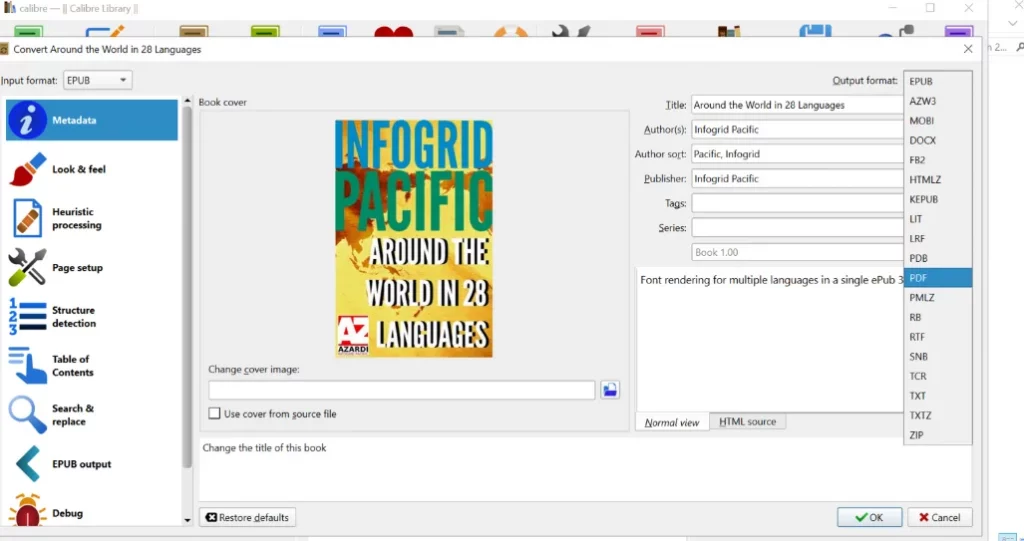
5. Click the OK button in the bottom-right corner.
6. After the conversion process is completed, click on the Save To Disk button in the top ribbon.
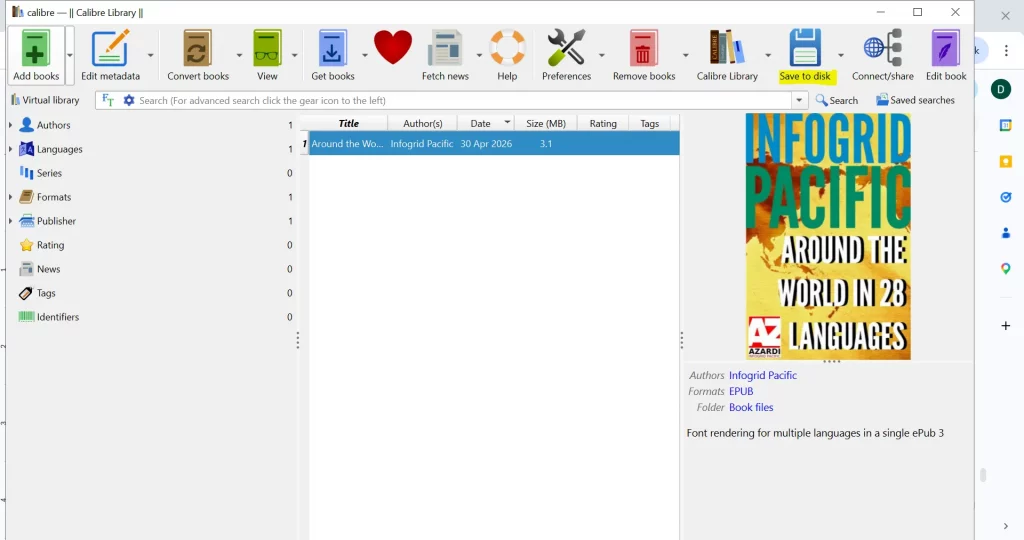
7. Select any folder where you wish to save the PDF file and click on the Select Folder button.
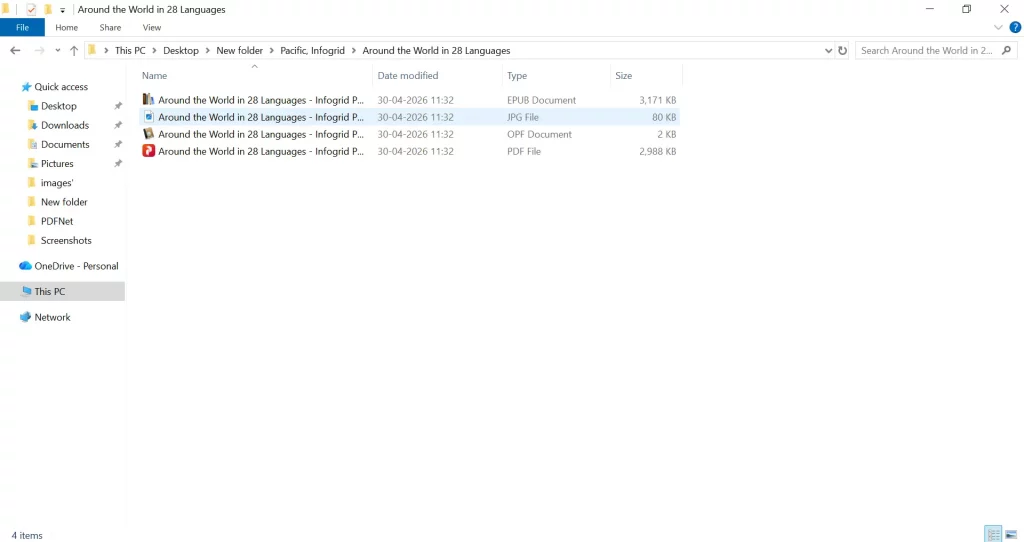
8. Navigate to the folder and you will find that the PDF file is saved along with the EPUB.
Tips to Maintain Formatting During Conversion
To avoid incorrect formatting and loss of data during conversion, you can do the following:
- Use a reliable converter.
- Embed the fonts in the document.
- Resize the document before conversion.
- Preview the document after conversion.
- Do not convert the documents multiple times.
Common Issues and How To Fix Them
Here are a few common issues faced while converting EPUB to PDF, along with the fixes.
Formatting issues
- Use features such as advanced tools in Calibre.
- Ensure that the correct page size is selected.
Issues with missing images/fonts
- Check whether the EPUB document is complete.
- Use compatible software with embedded fonts capability.
File size issue
- Compress the converted PDF document.
- Lower the image resolution where necessary.
Compatibility problems
- Update the software.
- Avoid using web-based applications.
Conclusion
In conclusion, the process of changing EPUB to PDF is made very simple by using the appropriate software. The use of Systweak PDF Editor ensures that your EPUB files are converted to PDF easily and accurately, with no formatting errors. It also offers other useful features that make the conversion more convenient.
Frequently Asked Questions
1. Can I convert EPUB to PDF for free?
Yes, you can use Calibre software or Online tools to convert the EPUB document to PDF. However, online tools are not safe, considering the security and privacy of your data. Also, Calibre is an ebook viewer that supports converting EPUB into PDF, but does not deliver the exact layout and formatting after conversion.
2. Will formatting change during conversion?
Systweak PDF Editor does not change the formatting and layout after conversion.
3. Which is the best EPUB to PDF converter?
Systweak PDF Editor is the best PDF editor that facilitates an entire module for converting PDF to different formats and vice versa.
4. Can I convert EPUB to PDF offline?
Systweak PDF Editor and Calibre are designed to convert EPUB to PDF offline without using an internet connection.
5. Is it safe to use online converters?
No, there is no guarantee of what happens to the files that you have uploaded to foreign servers. If the data contained within the EPUB is sensitive then we recommend using an offline tool.
Read Also: How to Convert PDF to EPUB with Systweak PDF Editor